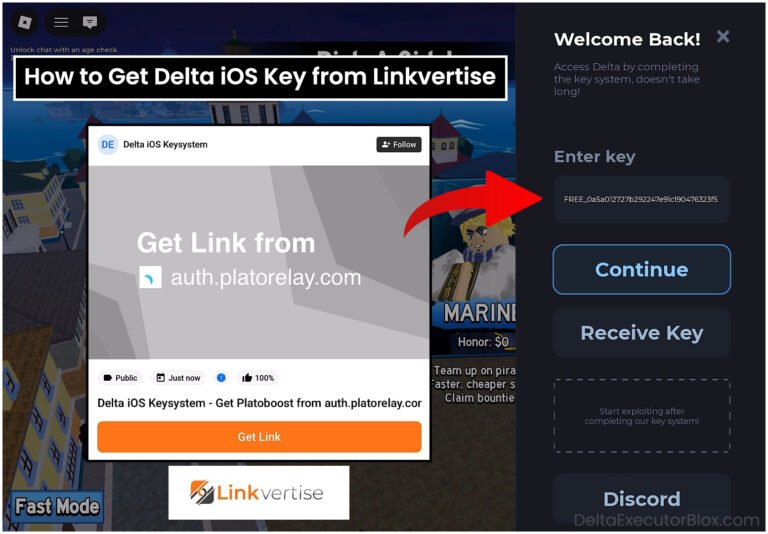
How to Get Delta Key (October 2026)
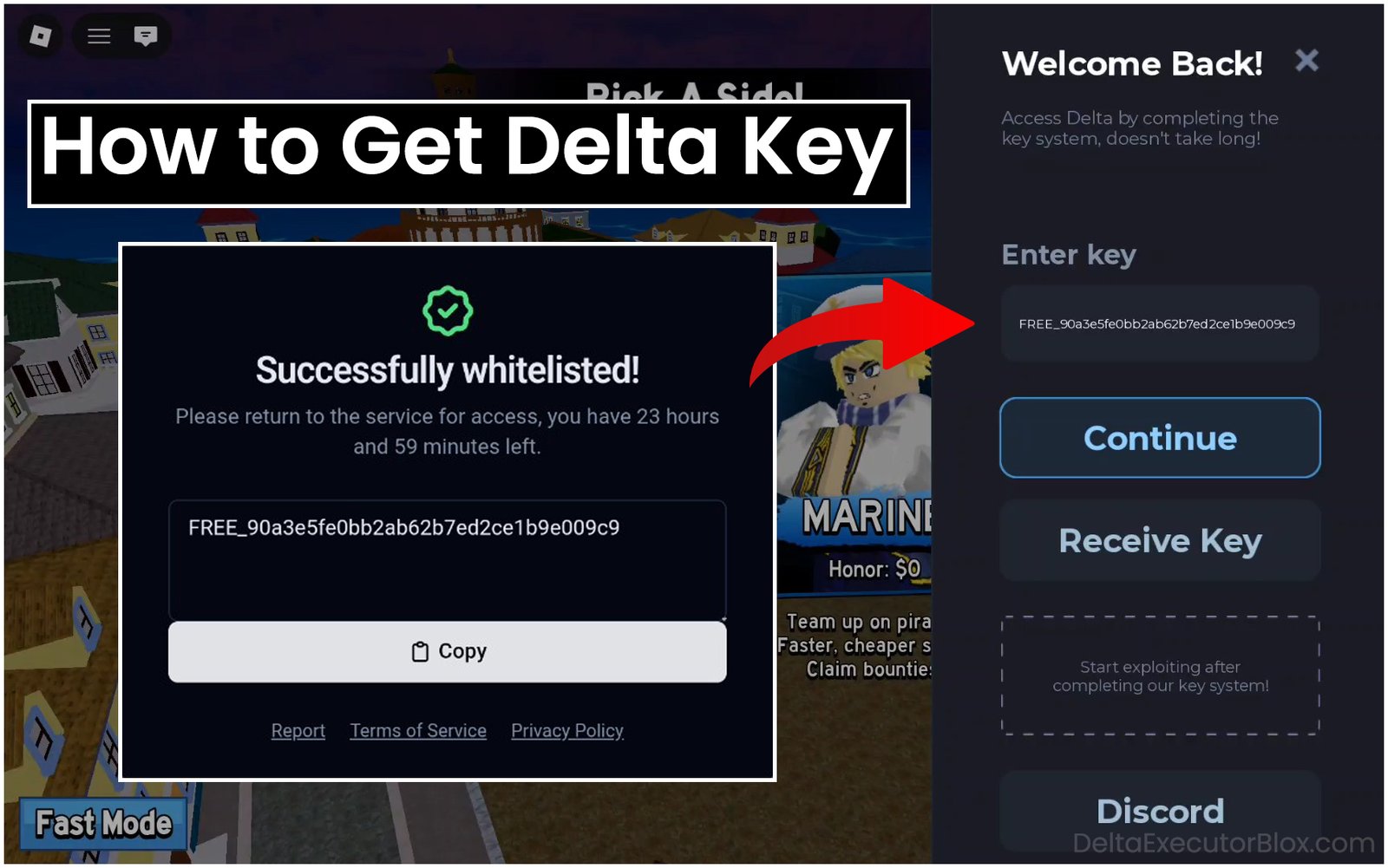
If you are using Delta Executor for the first time, have recently installed or updated Delta Executor, or your Delta key has expired and you don’t know how to get a new one, you’re in the right place.
Delta Executor Android key system has changed, and you may be unable to generate a new Delta key on your own.
Page Contents:
In this blog post, we’ll show you step by step how to get a Delta key on Android phones and tablets.
You’ll learn how to complete the required tasks easily and quickly to obtain a new key for Delta Executor.
What is Delta?
Delta is a script executor for Roblox, also known as Delta Executor. This app allows users to run custom Lua scripts in Roblox games while playing, providing access to additional tools and features depending on the script being used. These scripts may offer extra functionality or advantages within supported Roblox games. Delta Executor is developed by Delta Dynamics team, and Delta Executor community is available through its official Discord server.
What is Delta Key?
A Delta Key is a unique code used to unlock the available Delta Executor tools and features. The key system is designed to provide human verification before users can access Delta Executor menu. You will receive a key-generation link through Delta app, which redirects you to Delta Android Key System page. From there, you may be redirected to a Loot Labs task page where you need to complete the required tasks to generate your Delta key. A Delta key typically remains valid for 24 hours. After it expires, you need to generate a new key using the link provided in Delta Executor side screen by tapping Receive Key button.
Why is a Key Required for Delta Executor?
Delta requires a key to unlock its available Delta Executor tools and features, which can be used to run custom Lua scripts in supported Roblox games. Delta Dynamics team, which develops Delta Executor, uses the key system for two main purposes: human verification and monetization.
When you generate a Delta key, you may be redirected to third-party advertising or task pages where you need to complete the required tasks or view advertisements before receiving your key.
Delta Key Features:
Free Key🔑: Creating a key for Delta Executor is completely free. You do not need to pay for it; you only need to complete a few required tasks to get your free Delta key. The free key contains a unique code that may start with “FREE_”, followed by a combination of random letters and numbers.
Simple UI📱: Getting a key through Delta Android Key System is easy to understand because of its simple and user-friendly page design. Even beginners can understand how to generate a Delta key without needing a tutorial.
Easy Tasks✅: Getting a Delta key by completing the required tasks is generally simple. Depending on the current key system, you may need to complete two or three tasks, such as watching a YouTube video for a specific amount of time, visiting a survey page, and completing a Cloudflare human verification. After completing the required tasks, you can generate your Delta key.
24-Hour Validity⏰: You do not need to create a new key every time you use Delta Executor. A Delta key typically remains valid for 24 hours, allowing you to use Delta without generating another key during that period. After 24 hours, you can generate a new Delta key using the link provided through Delta Android Key System.
How to Get Delta Executor Key on Android? [Step-by-Step Video Tutorial]
How to Get Delta Executor Key on Android? [Step-by-Step Guide with Screenshots]
Step 1: Open Delta Executor on your Android device.
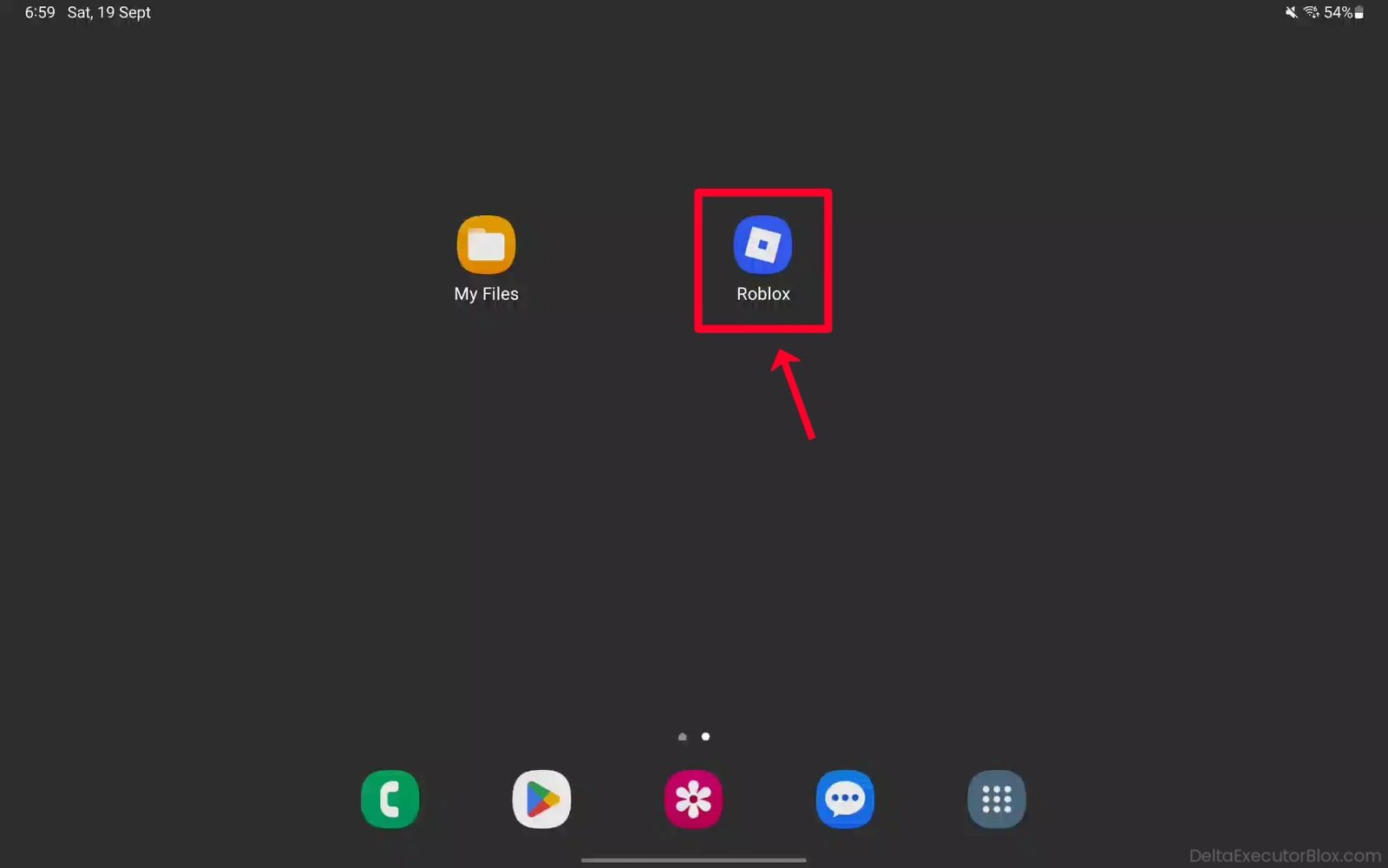
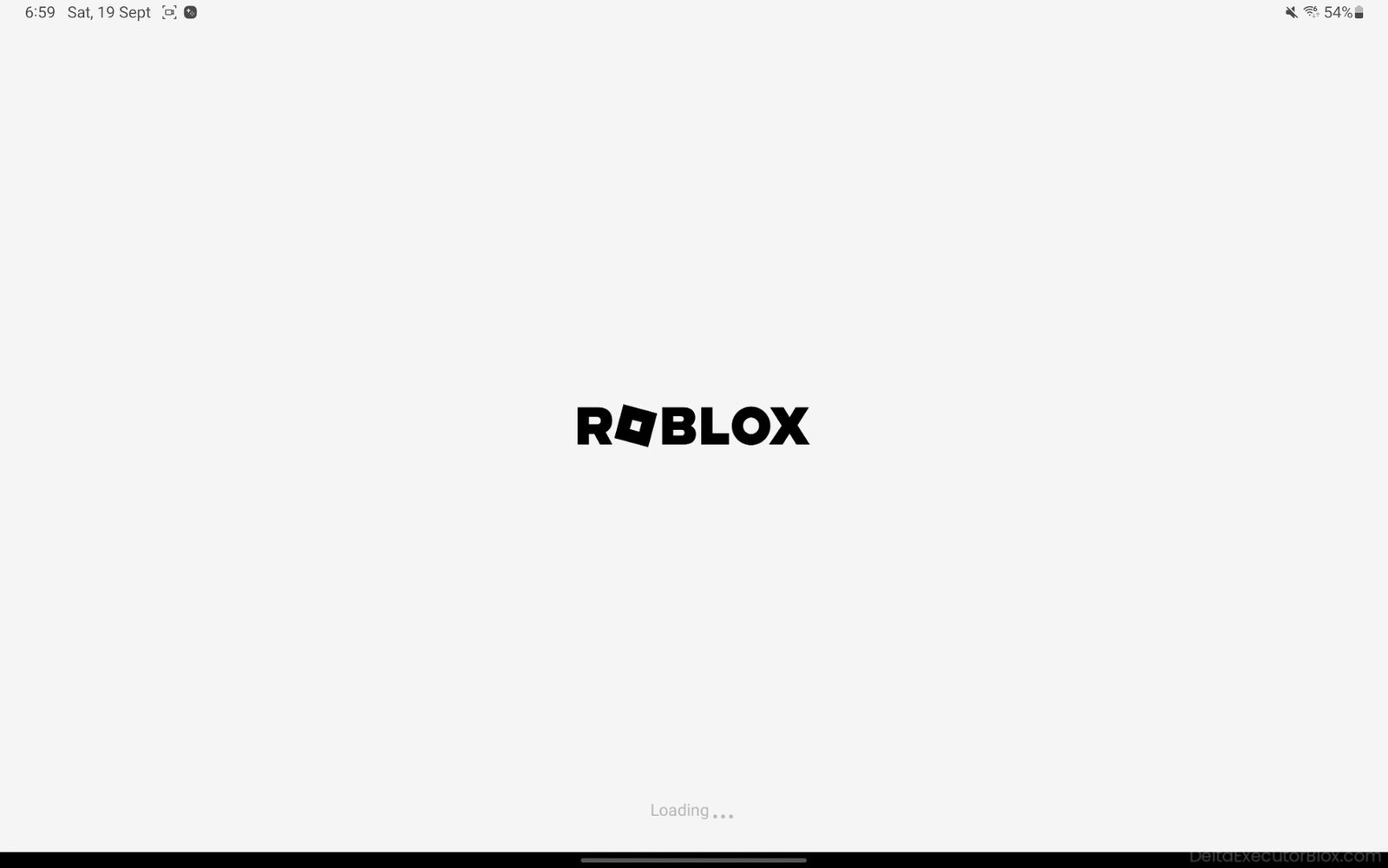
Step 2: Wait for Roblox to load. If you are not already signed in, log in to your Roblox account.
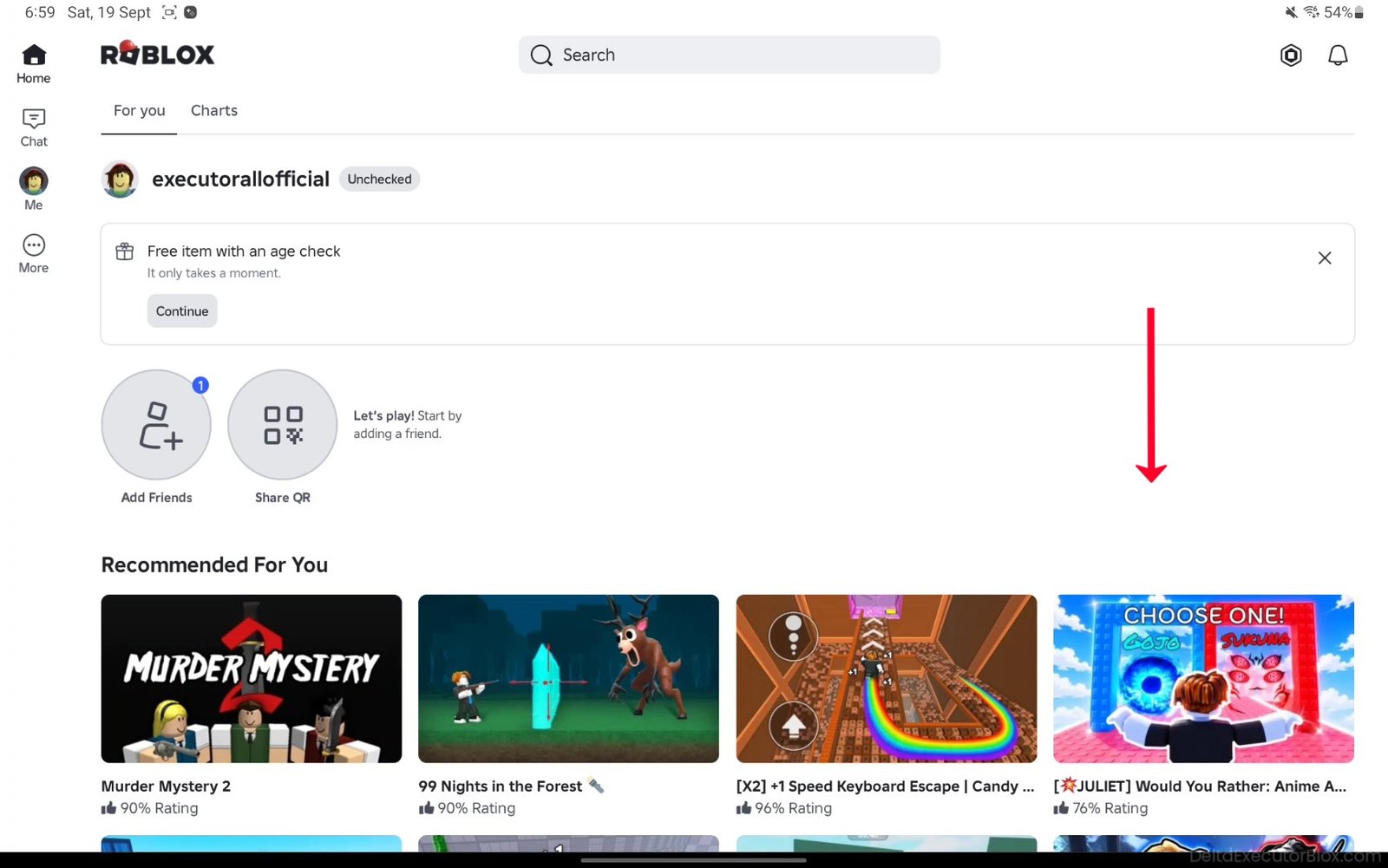
Step 3: Scroll down and choose any Roblox game you want to use Delta Executor with.
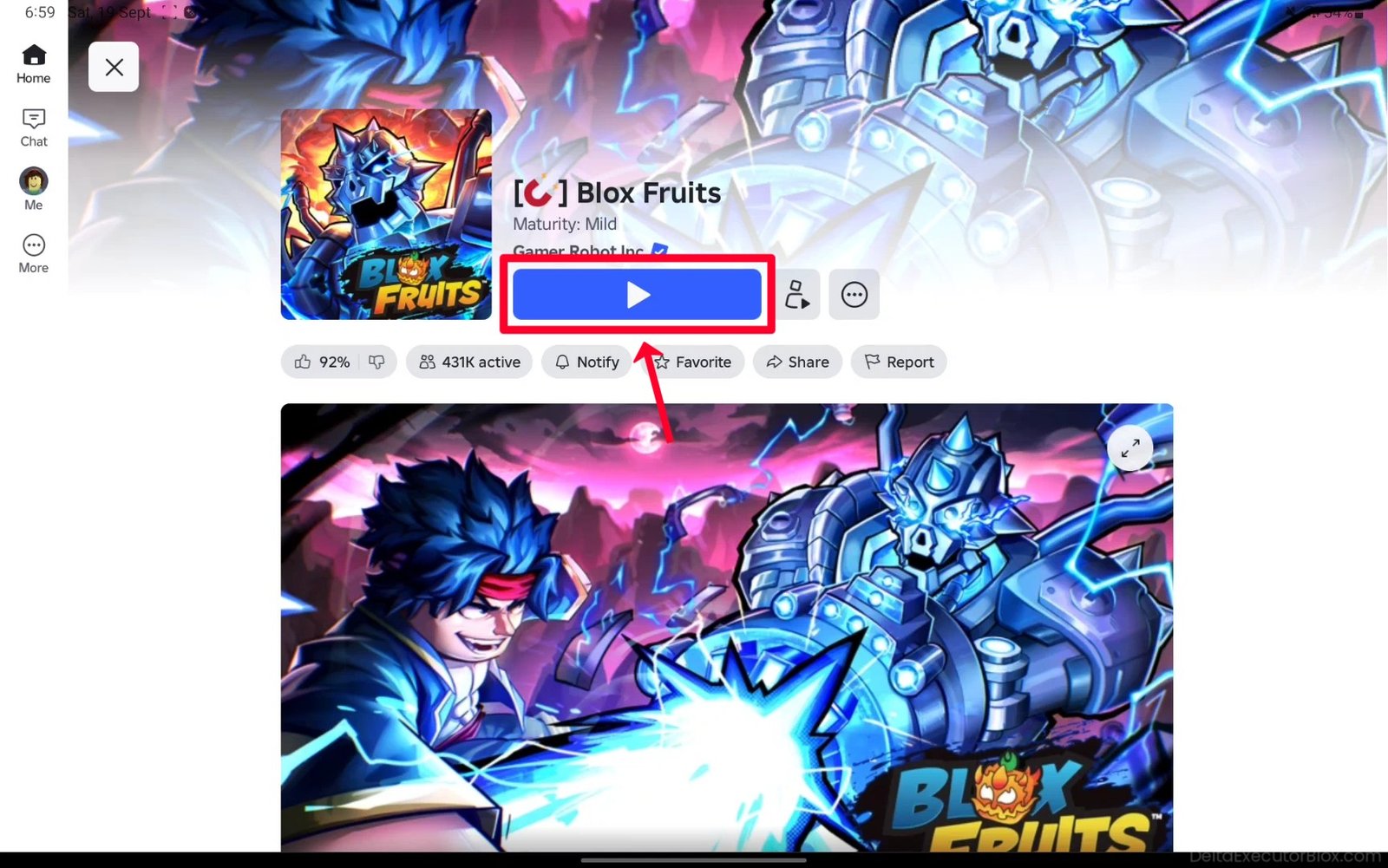
Step 4: Select and tap the game you want to use Delta Executor with.

Step 5: Tap “Play” button to start the game.
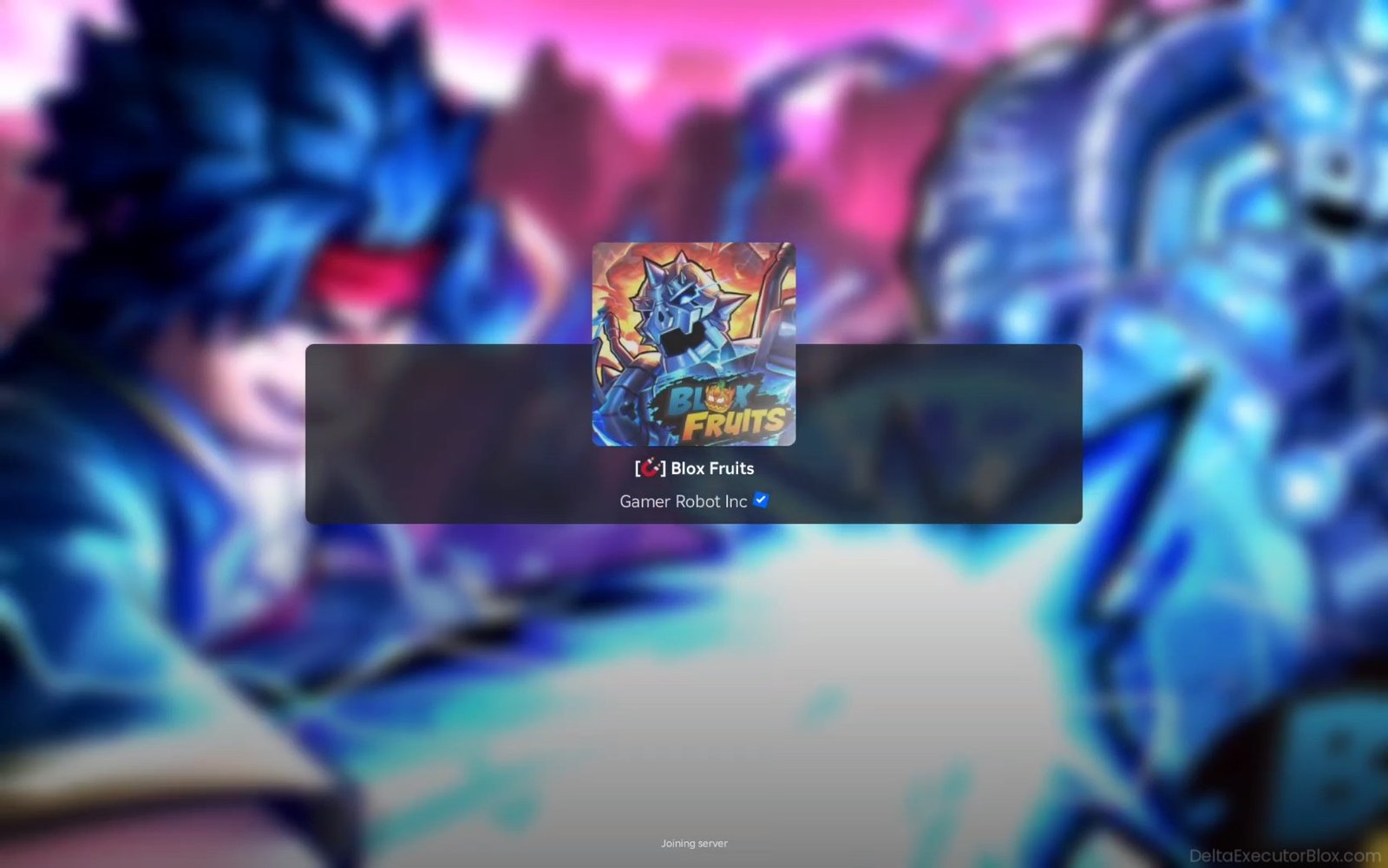
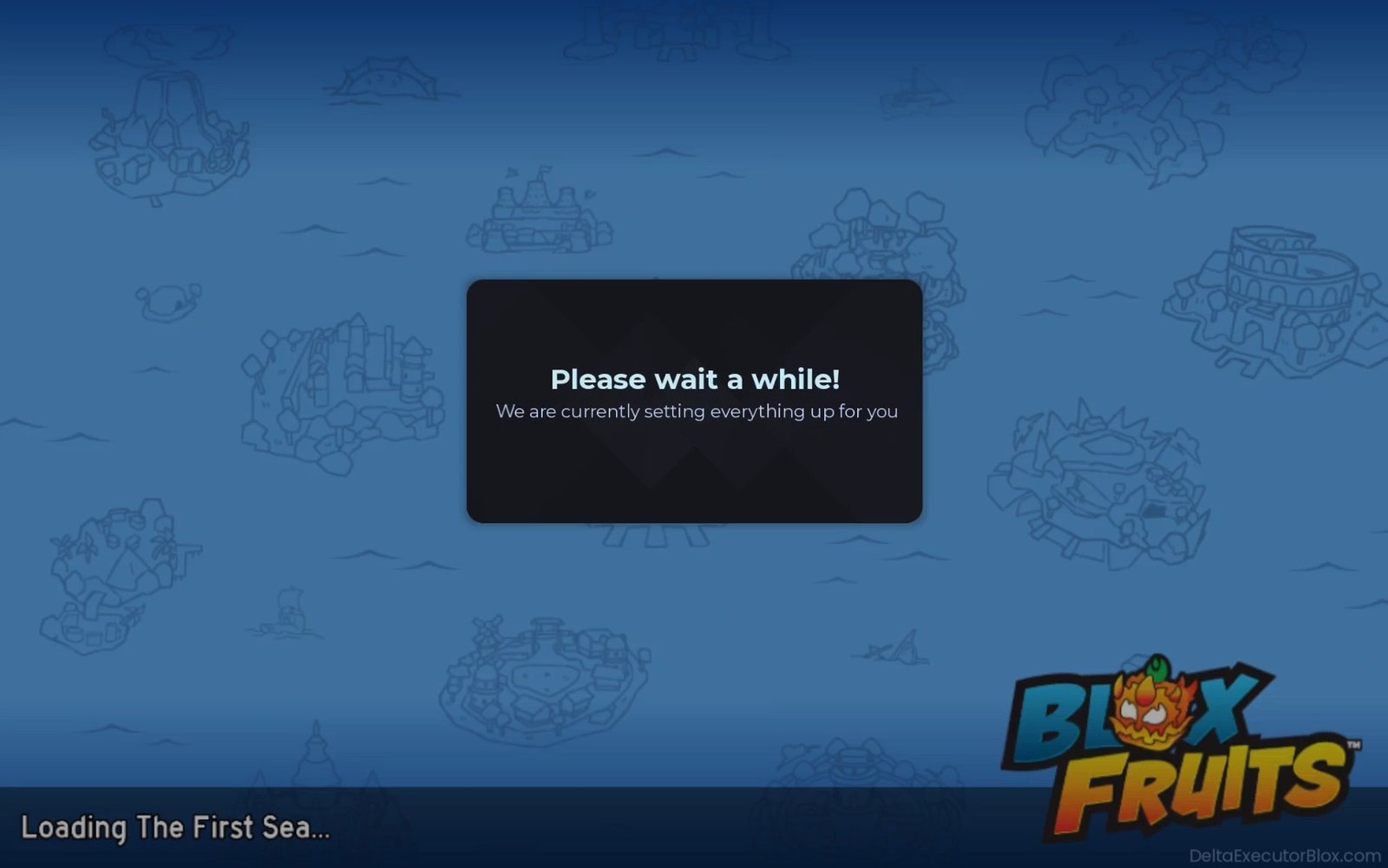
Step 6: Wait for the game to load.
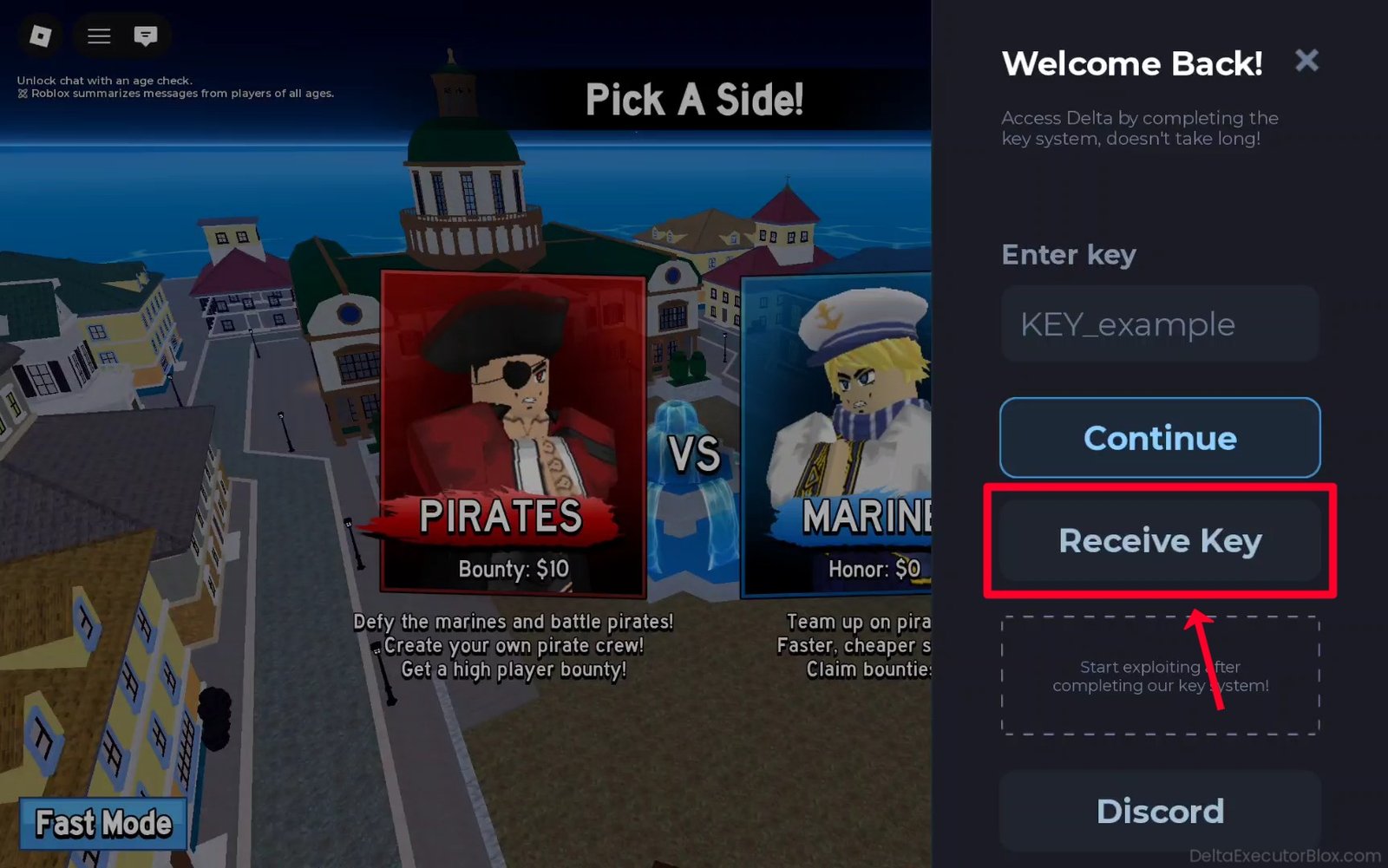
Step 7: Wait for Delta Executor side screen to appear.
Step 8: Tap “Receive Key” button.
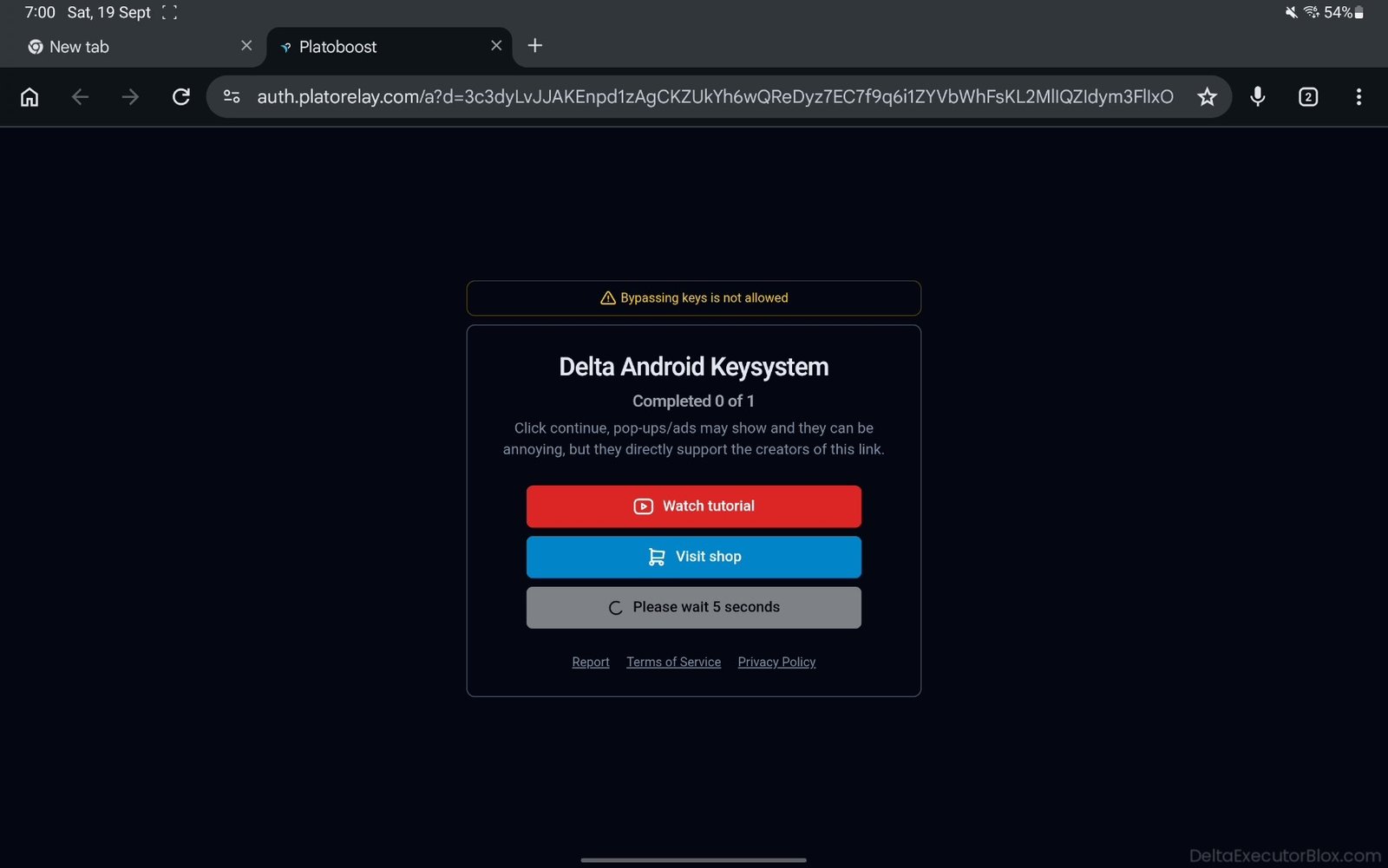
Step 9: Wait about 5 seconds on Delta Android Key System page.
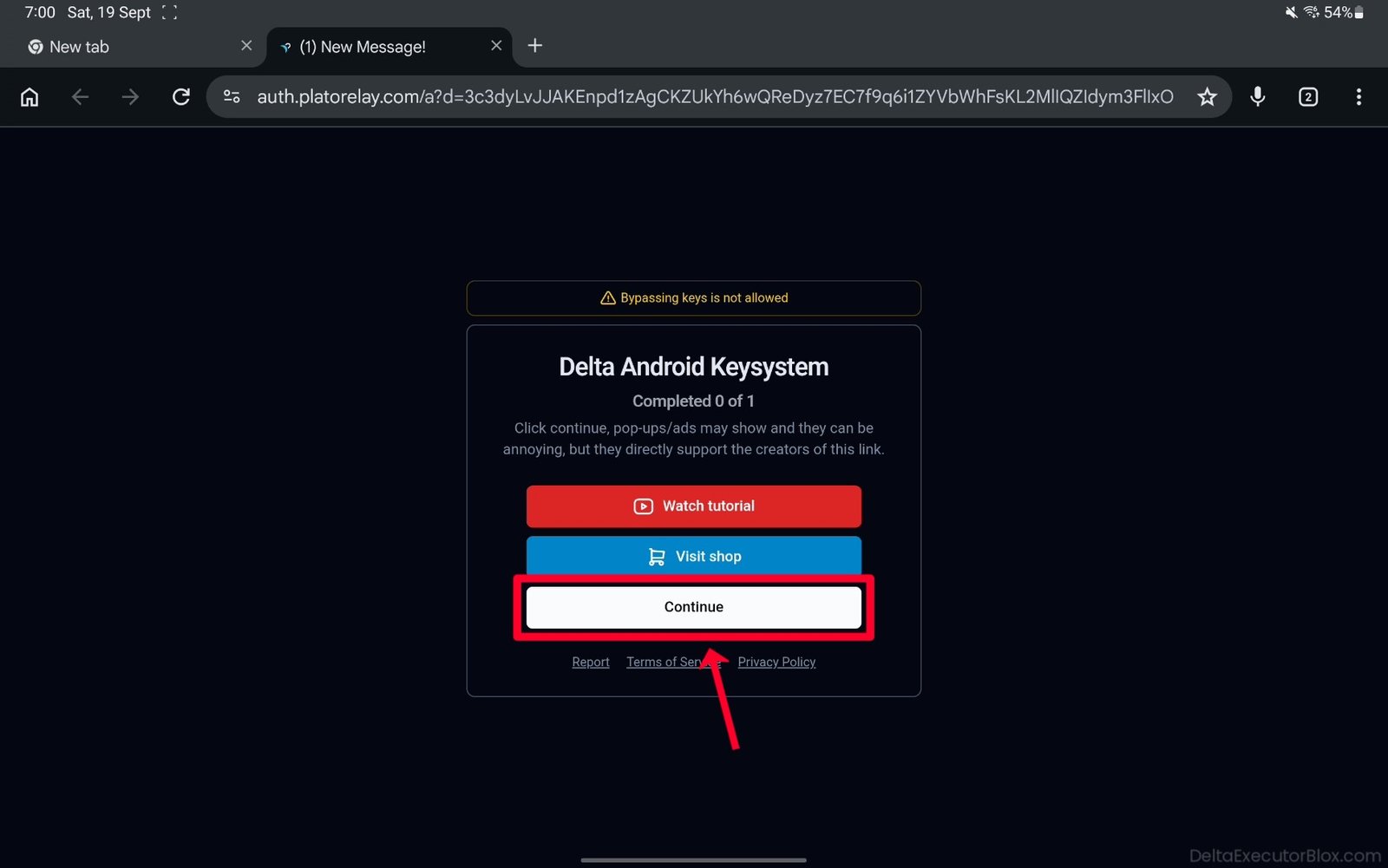
Step 10: Tap “Continue” button.
Step 11: You will be redirected to the LootLabs website.
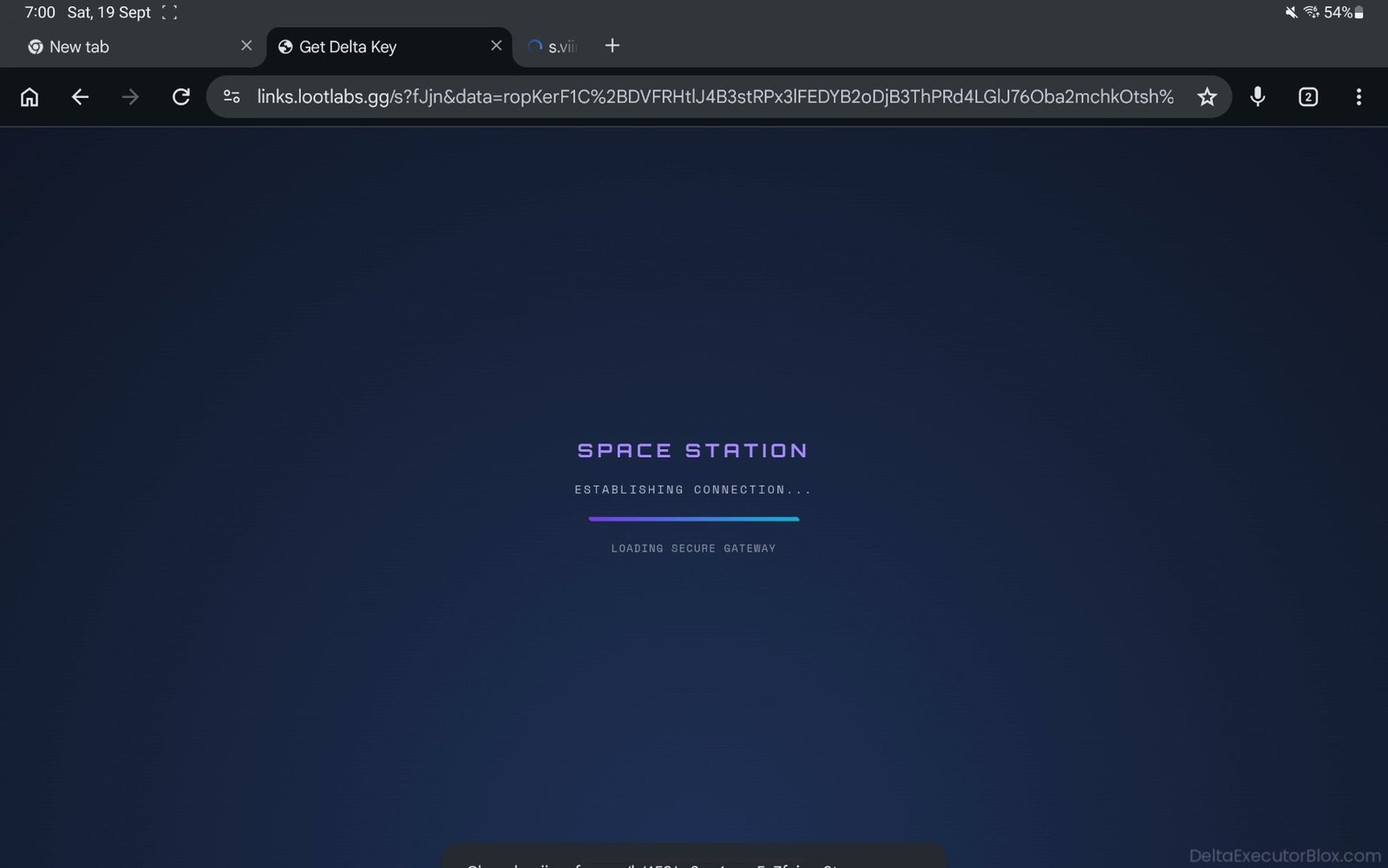
Step 12: You will land on the LootLabs task page. Scroll down to view the available tasks.
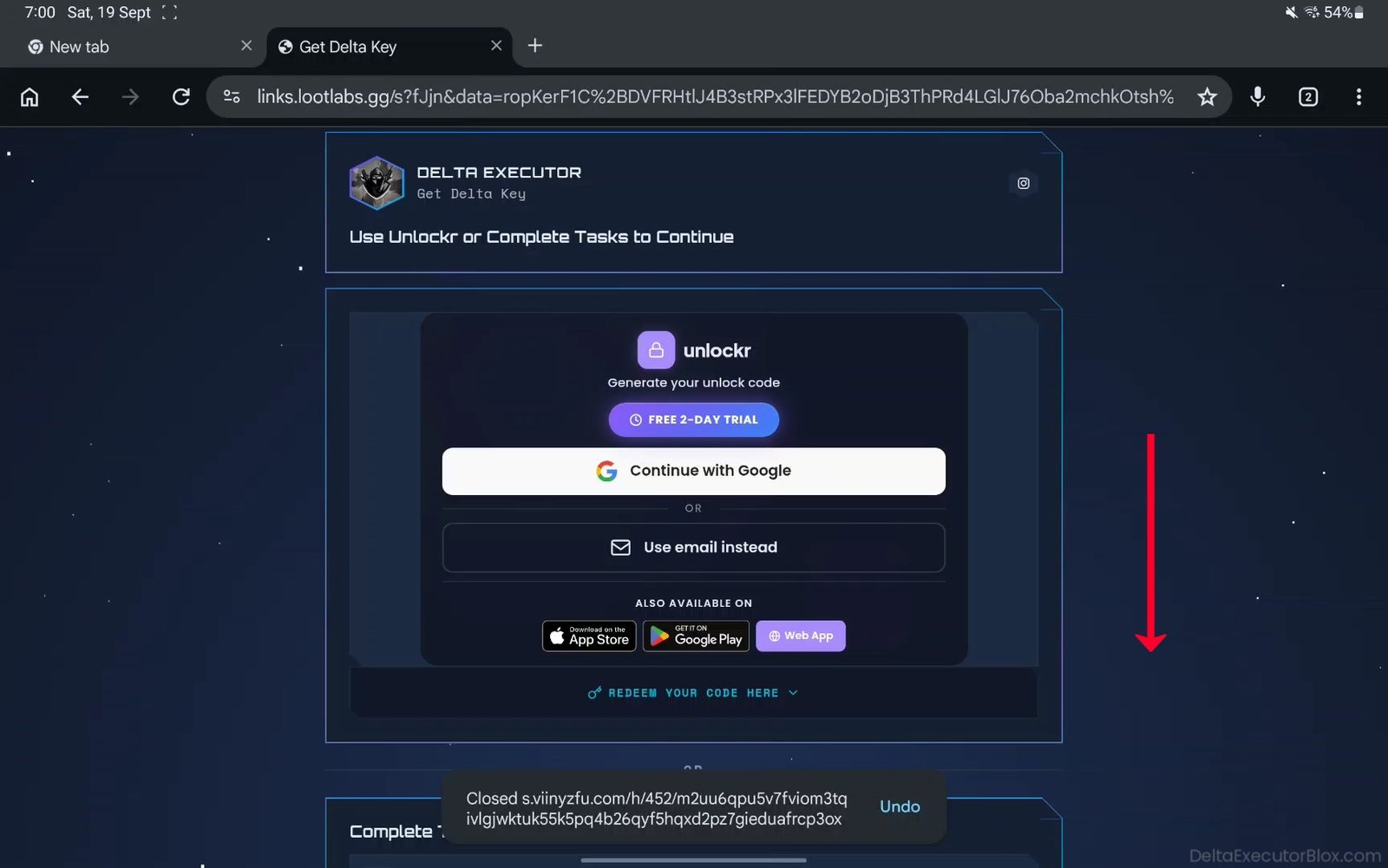
Step 13: Complete the required tasks to generate your Delta Executor key.
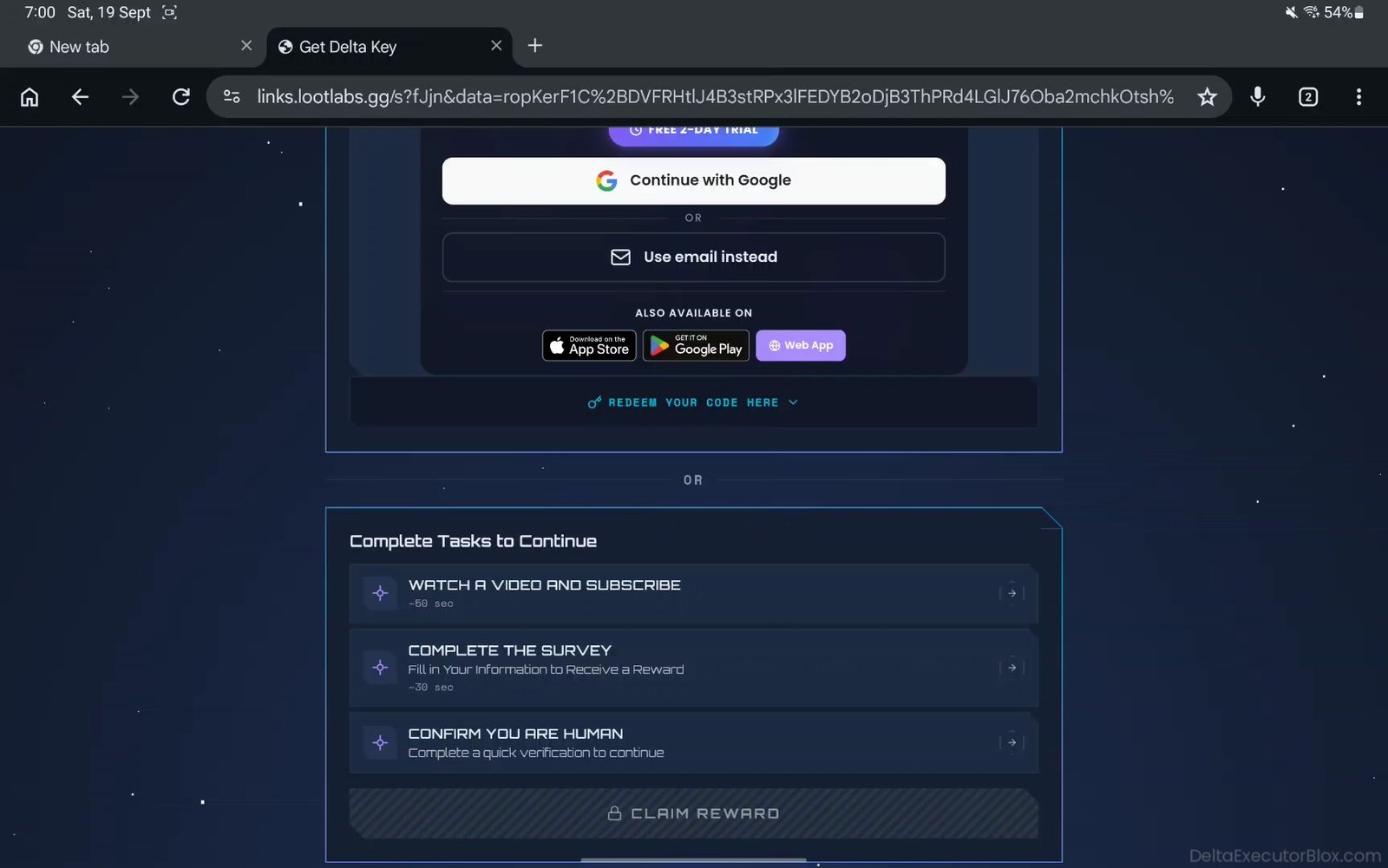
Step 14: Tap the first task, “WATCH A VIDEO AND SUBSCRIBE.”
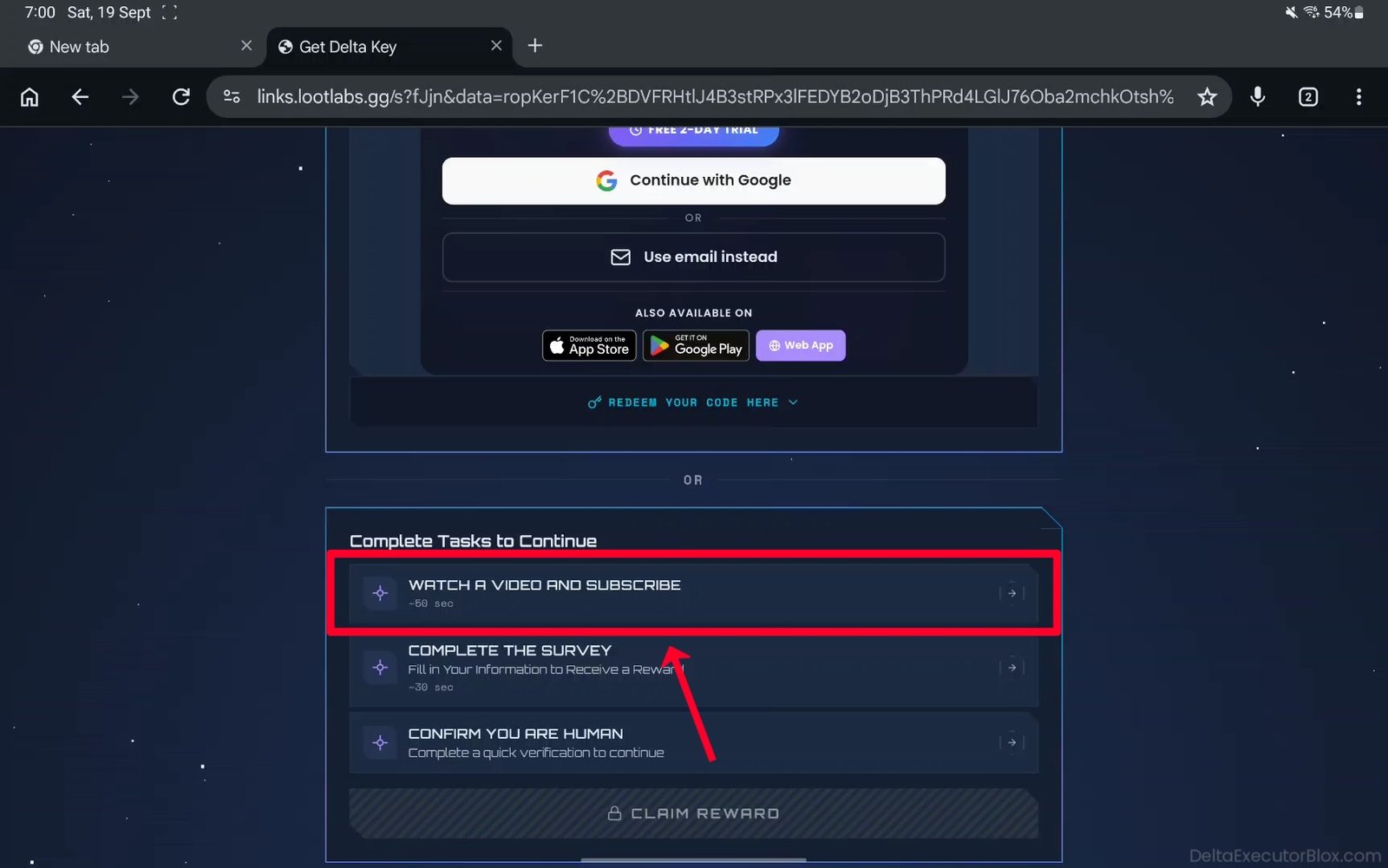
Step 15: You will be redirected to a YouTube web page. If you have YouTube app installed, it may open automatically on your Android device.
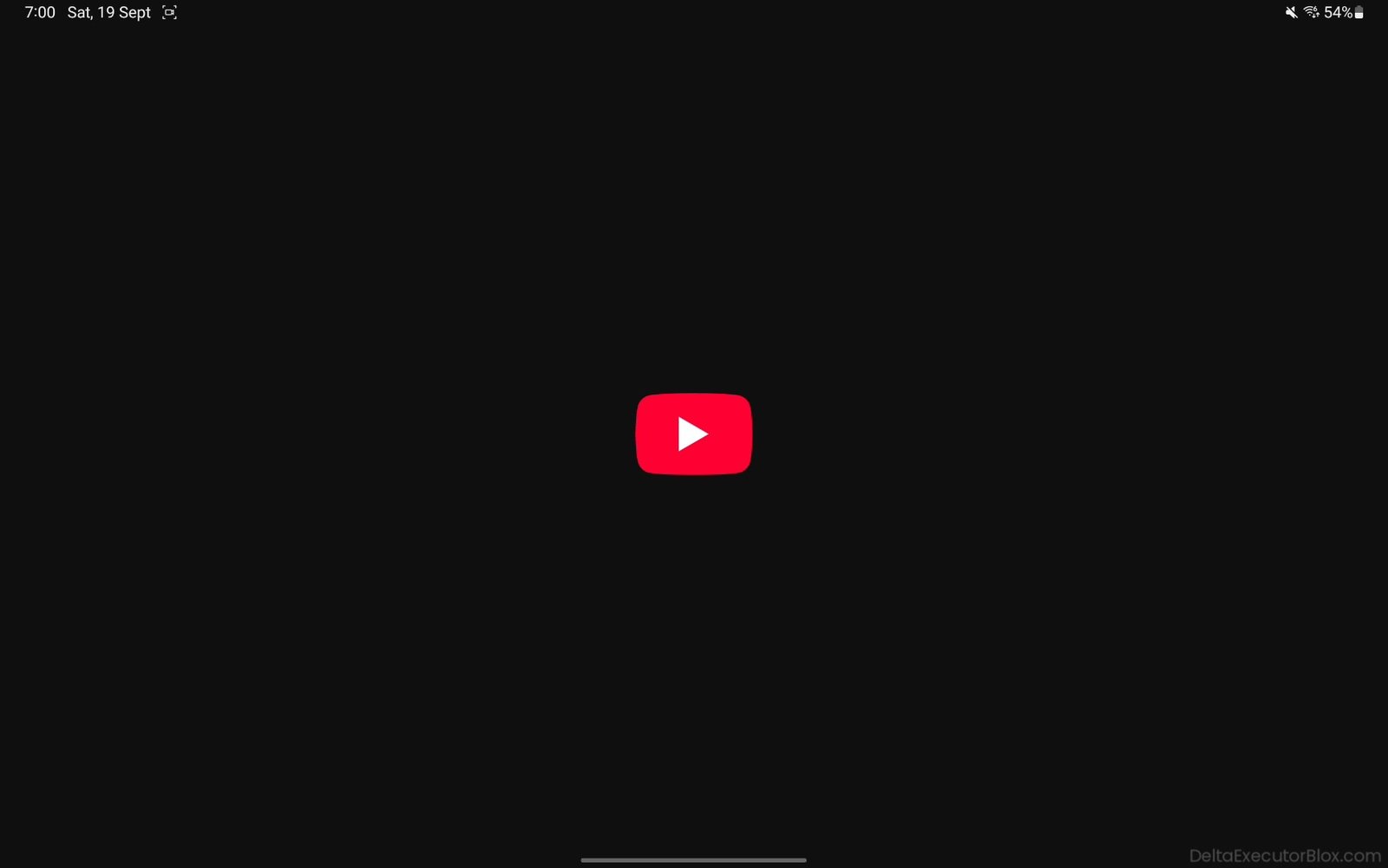
Step 16: Watch the video for more than 50 seconds.
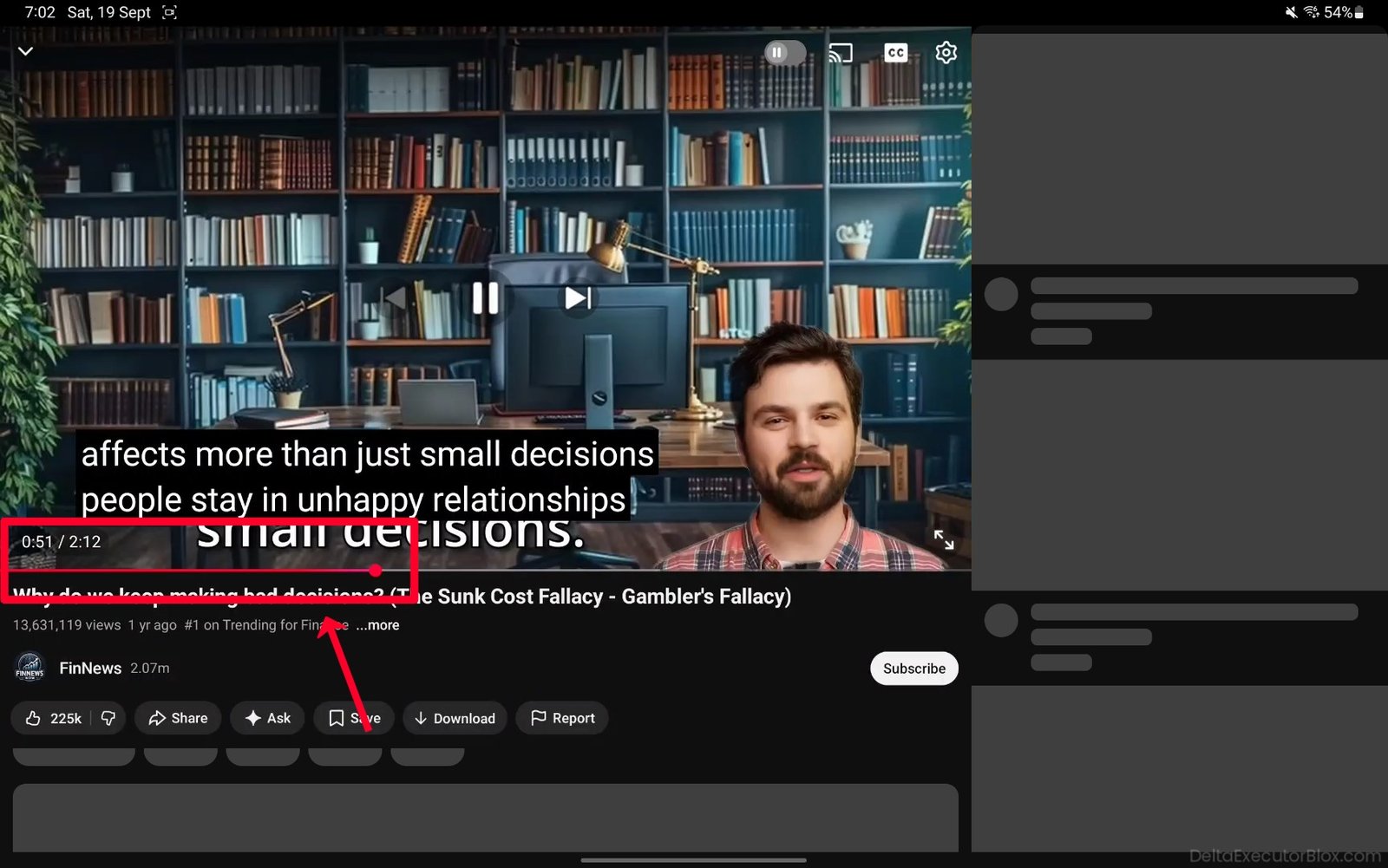
Step 17: After watching the video, subscribe to the channel.
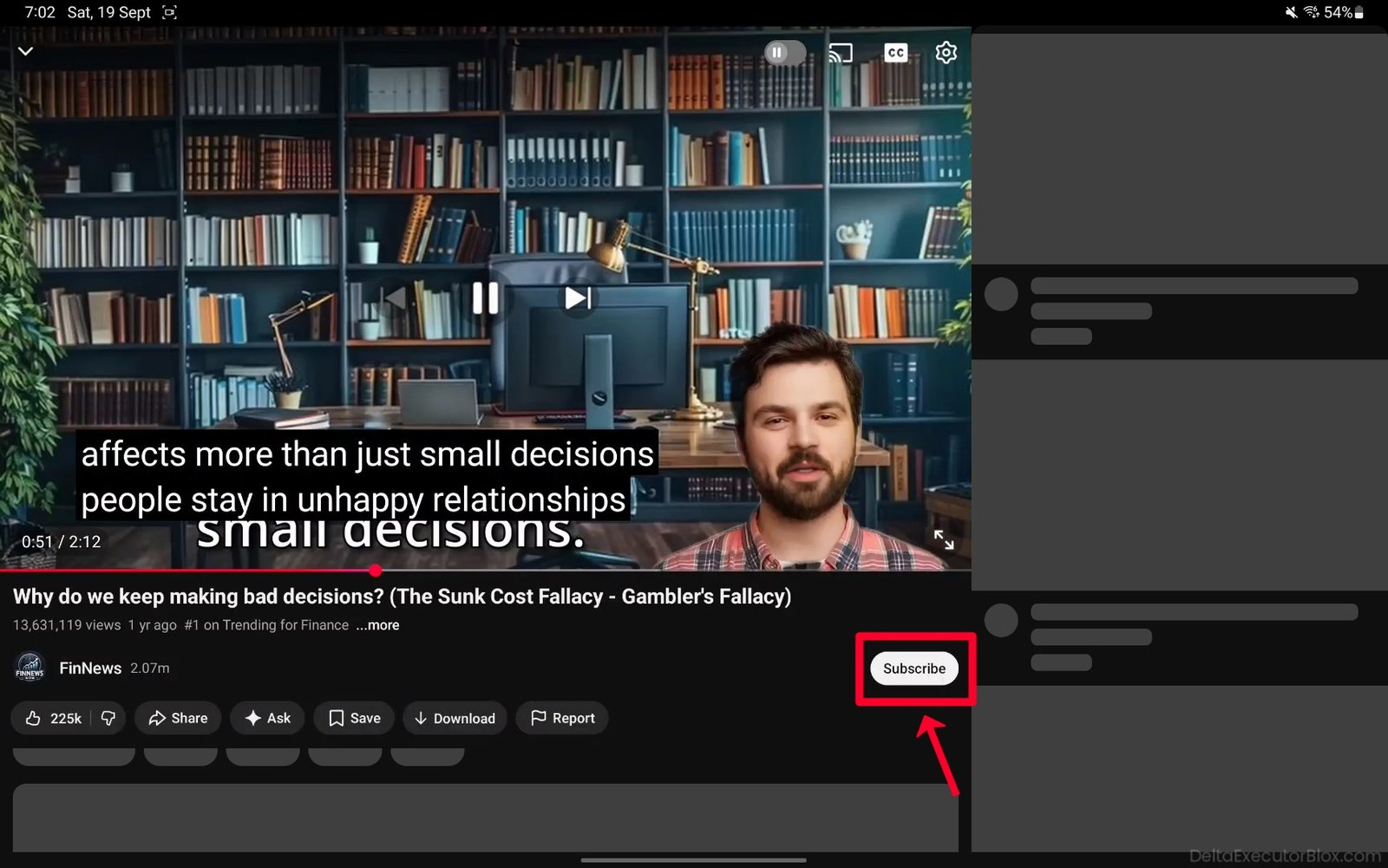
Step 18: Go back, open your browser, and return to the LootLabs task page.
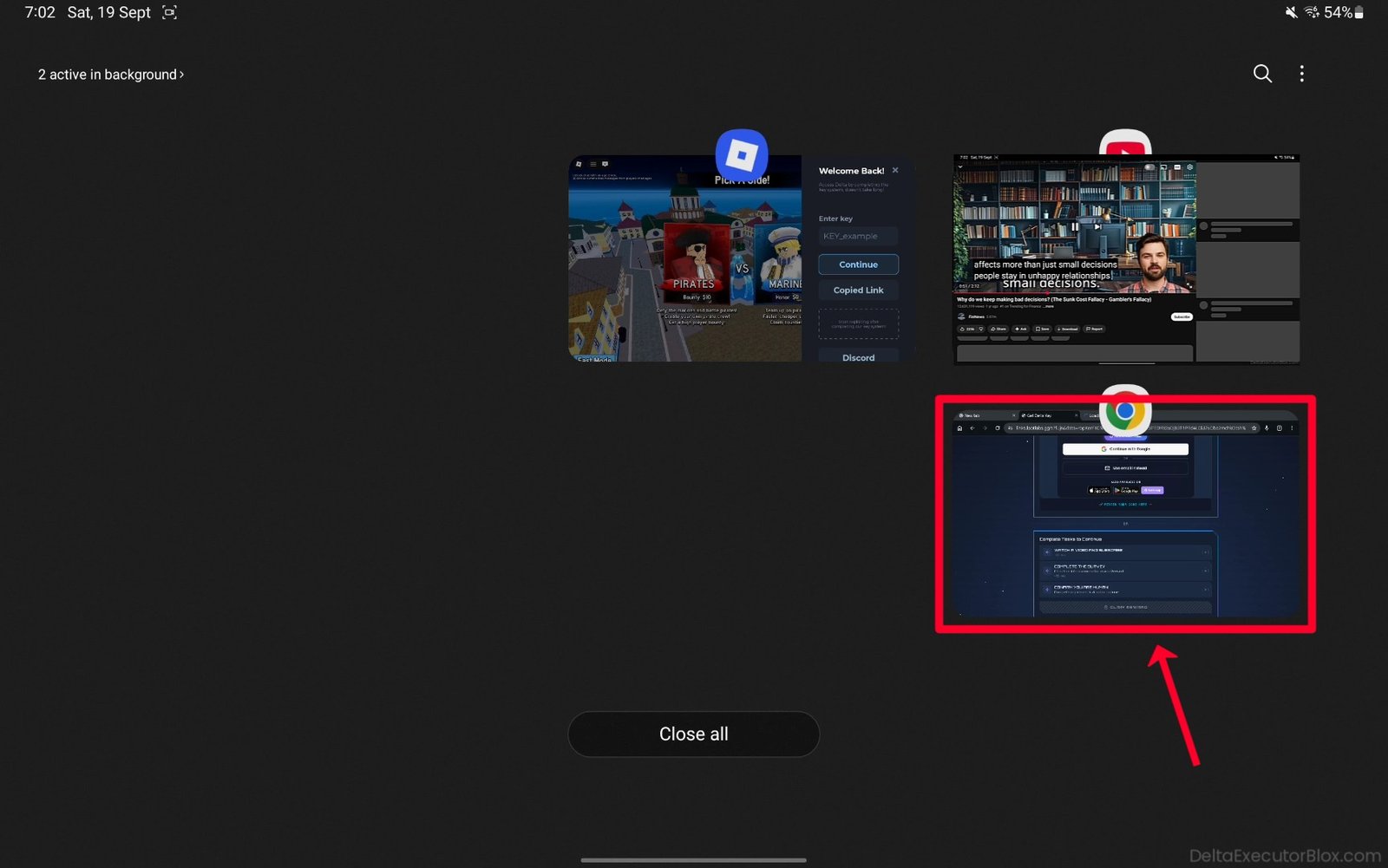
Step 19: The first task should now be successfully completed.
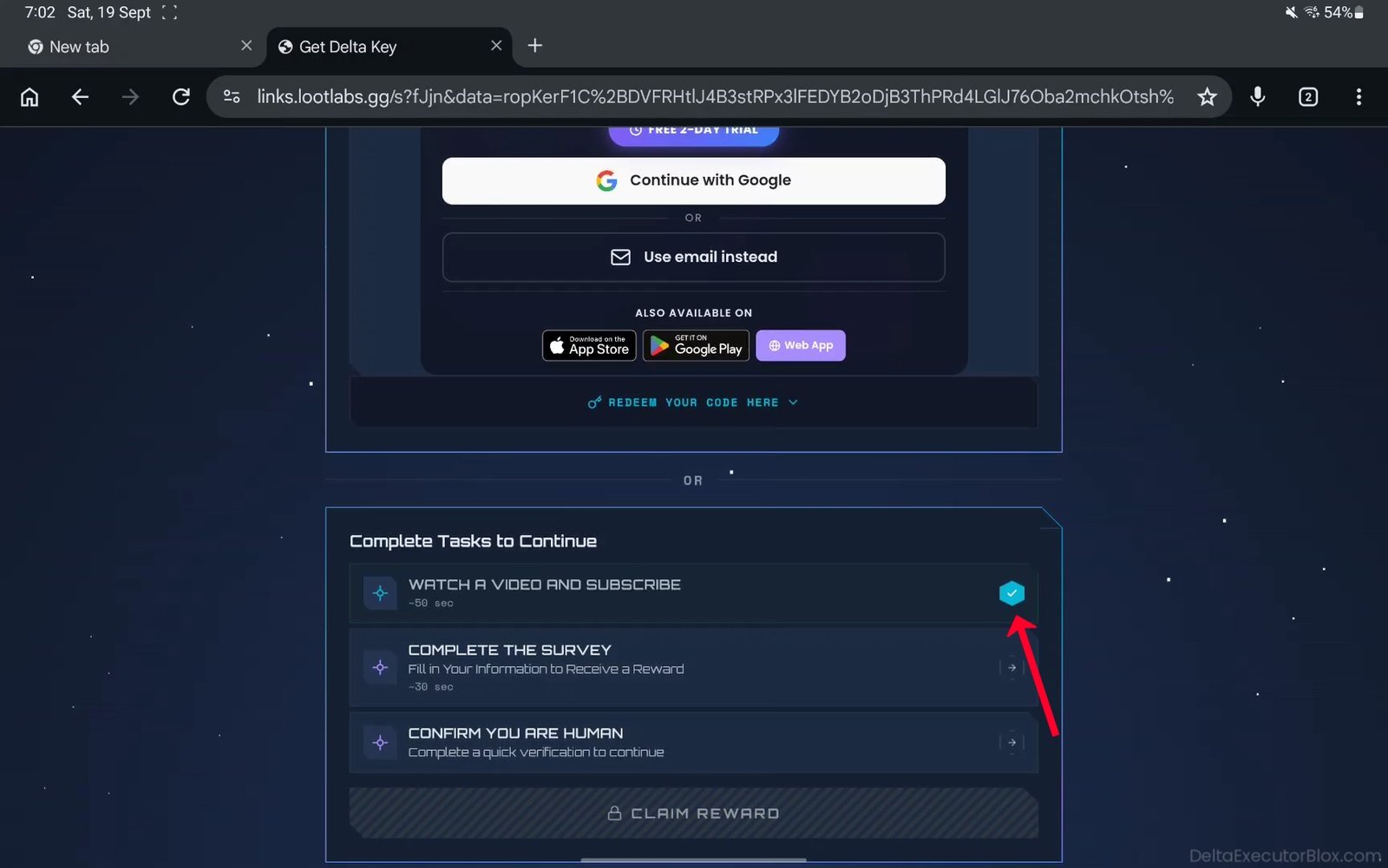
Step 20: Tap the second task, “COMPLETE THE SURVEY.”
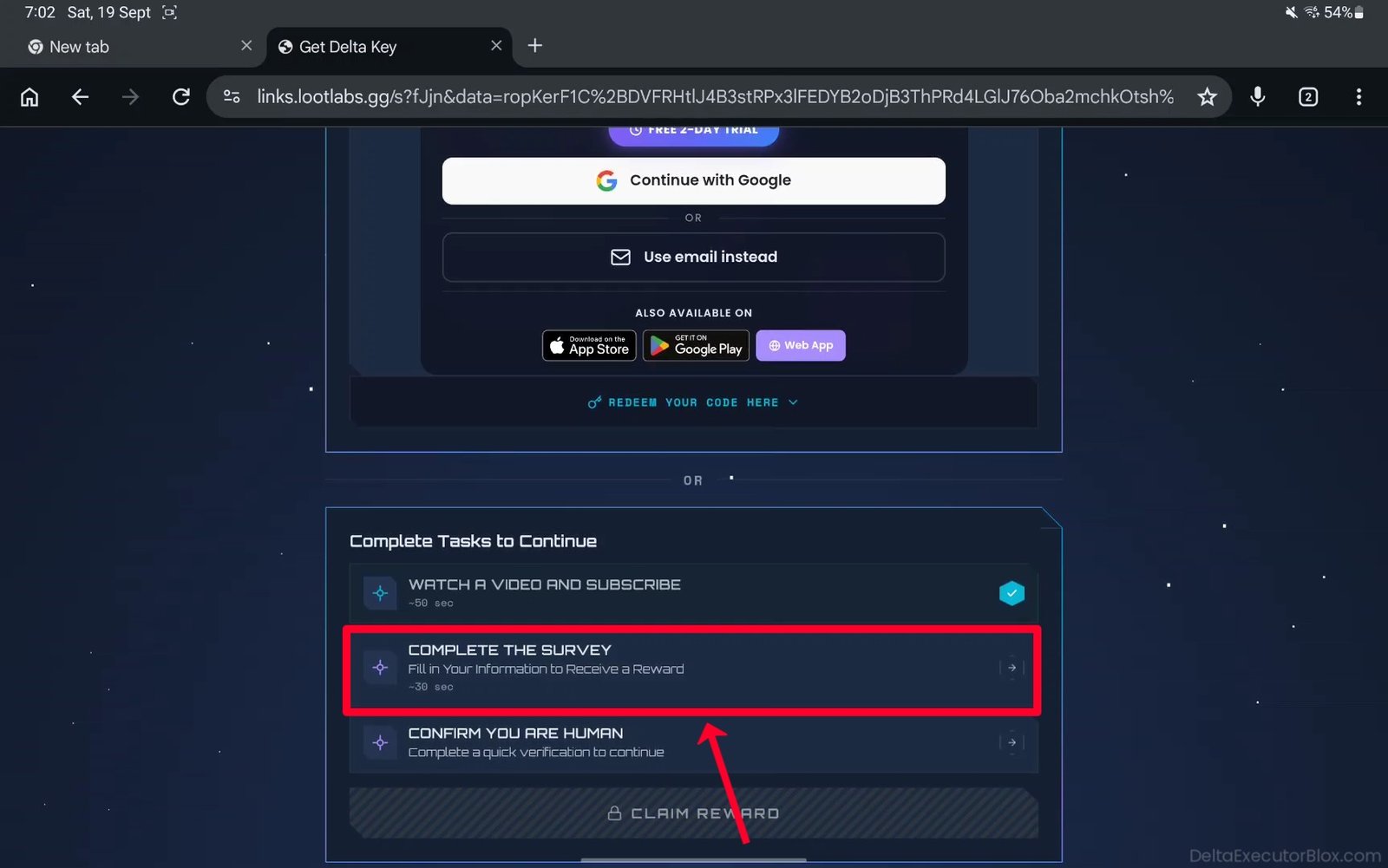
Step 21: A survey page will open in a new tab.
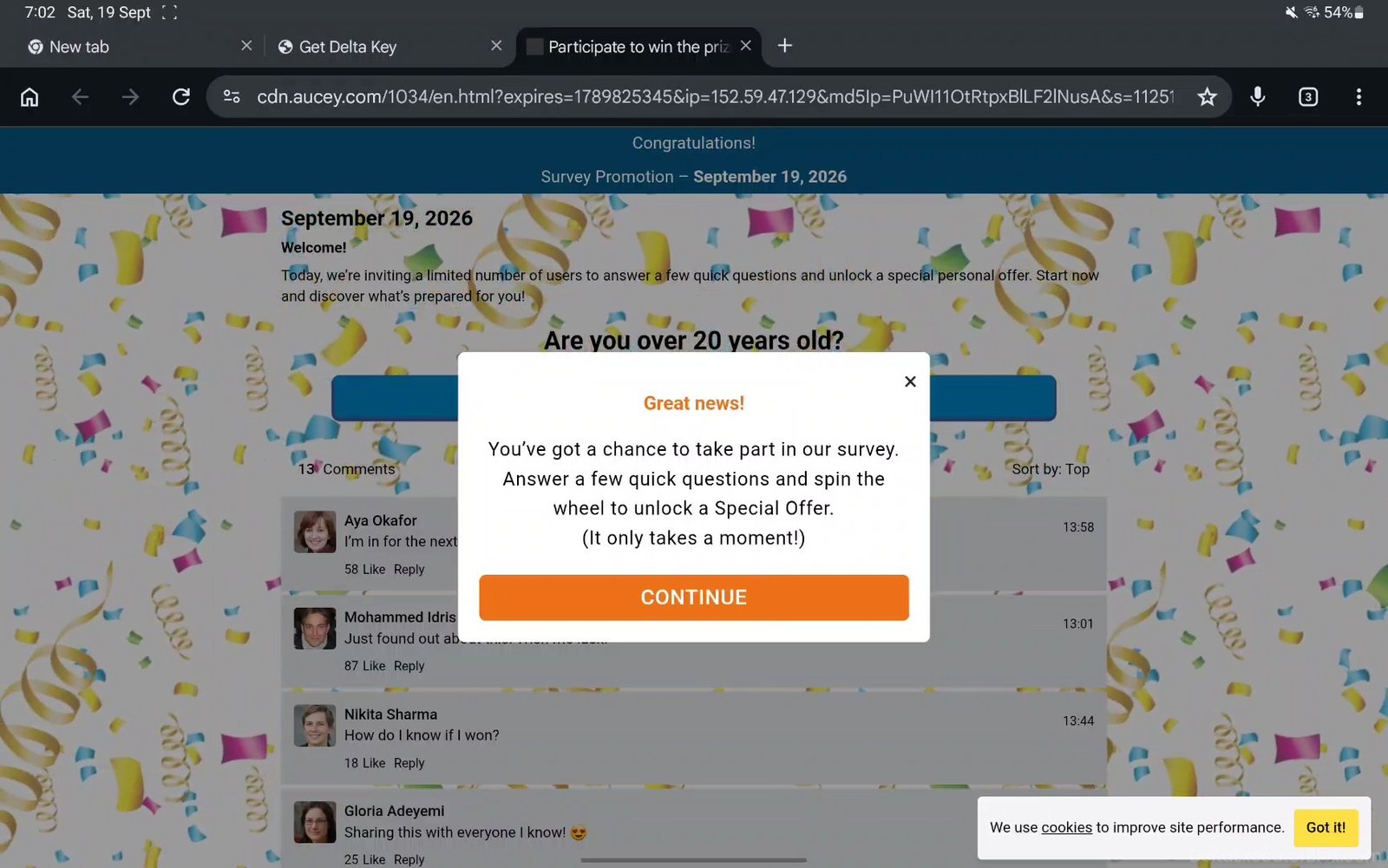
Step 22: Tap “Continue” on the survey page.
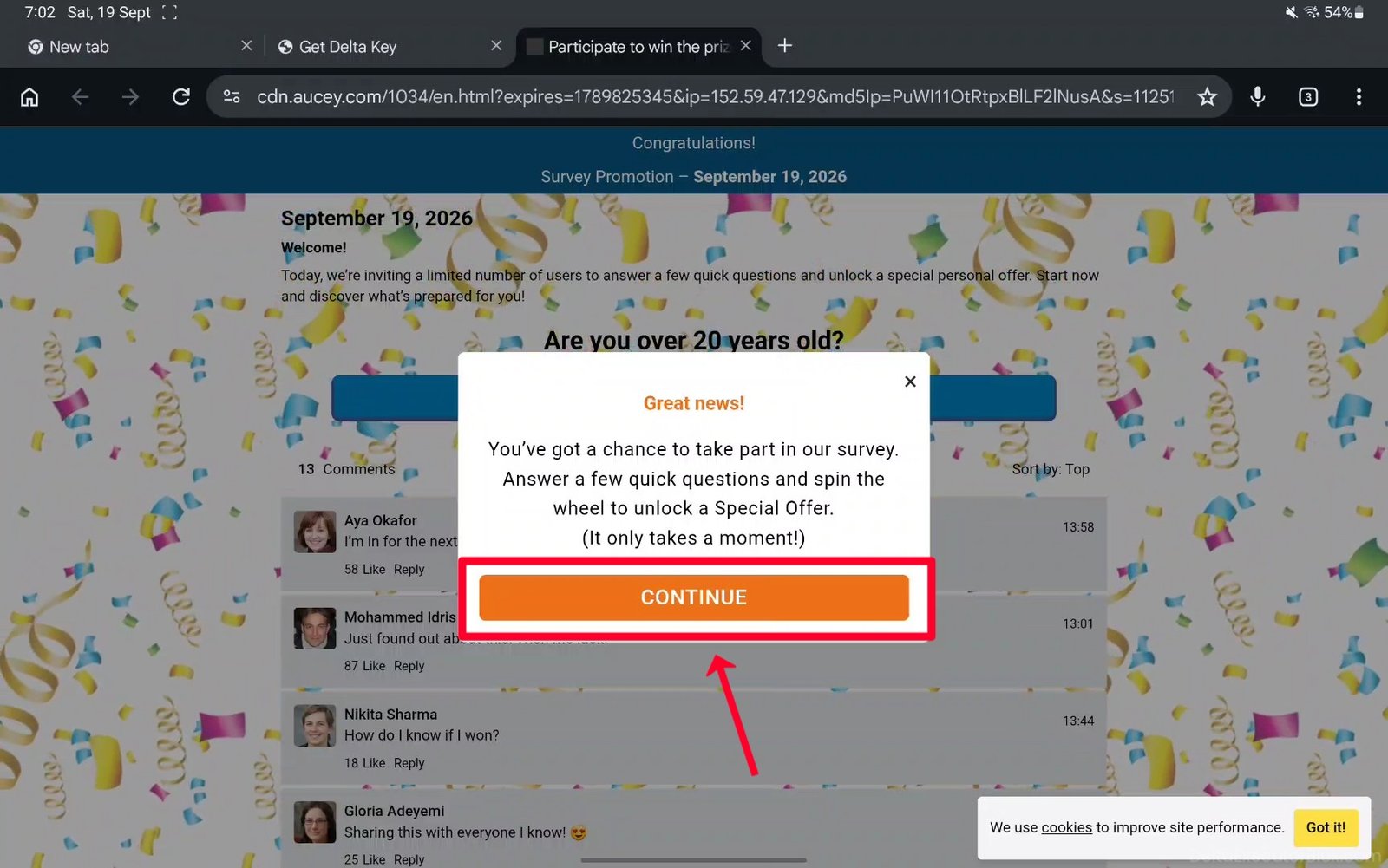
Step 23: Complete the required survey steps on the page.
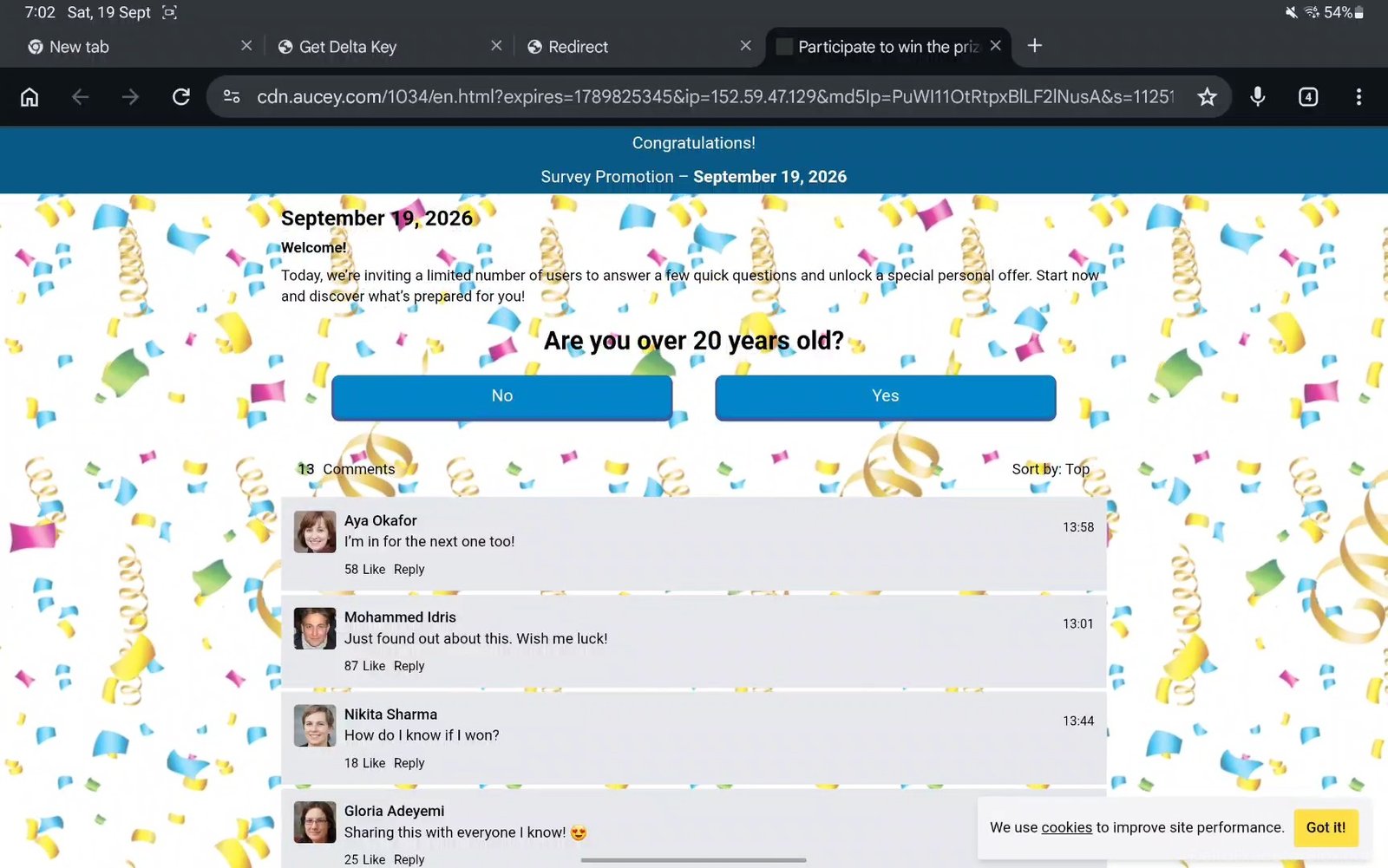
Step 24: Close the survey tab and return to the LootLabs task page. If a pop-up advertisement opens in a new tab, close it and return to the task page.

Step 25: Wait 20–30 seconds until the countdown finishes and blue checkmark appears.
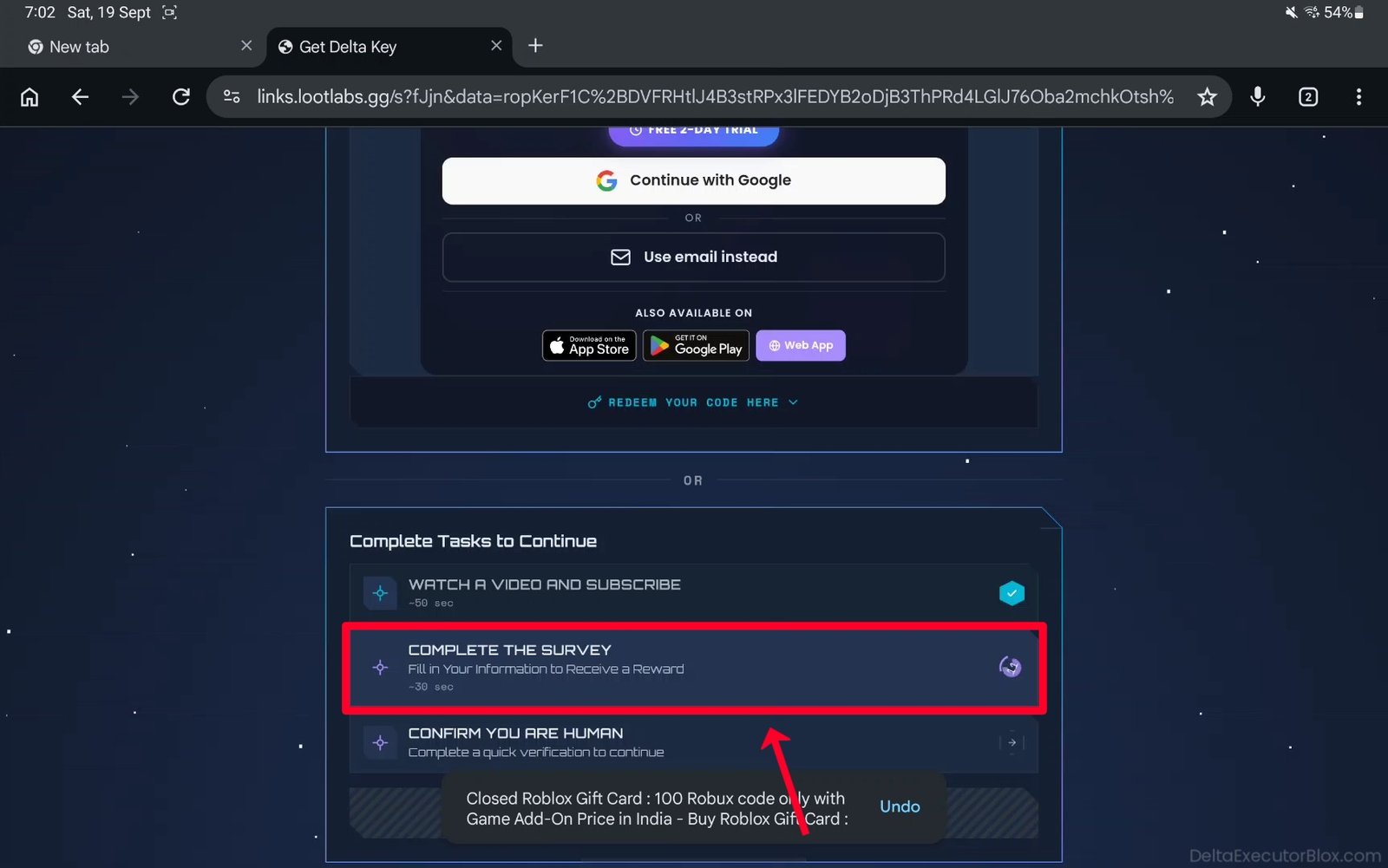
Step 26: The second task should now be successfully completed.
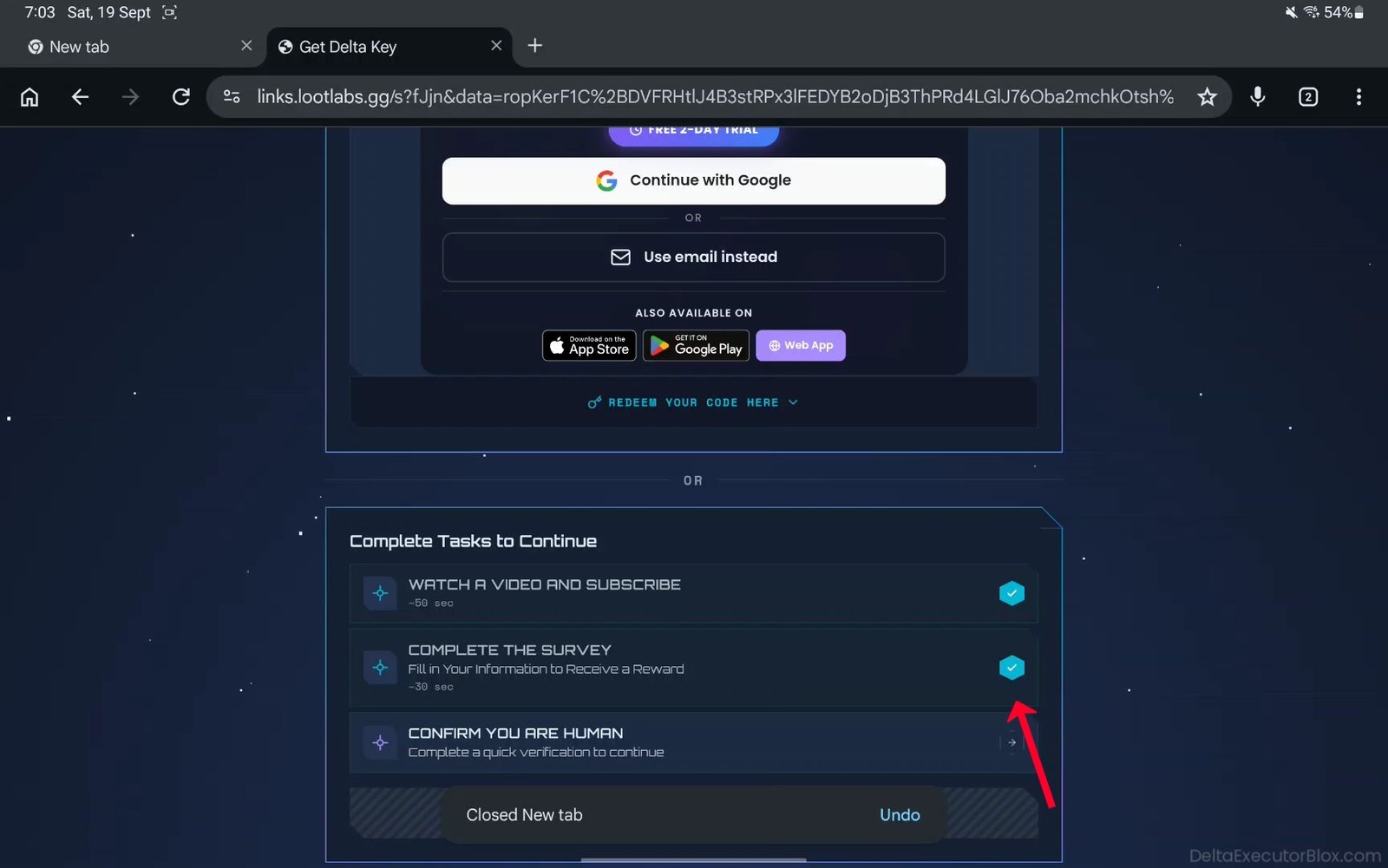
Step 27: Tap the final task, “CONFIRM YOU ARE HUMAN.”
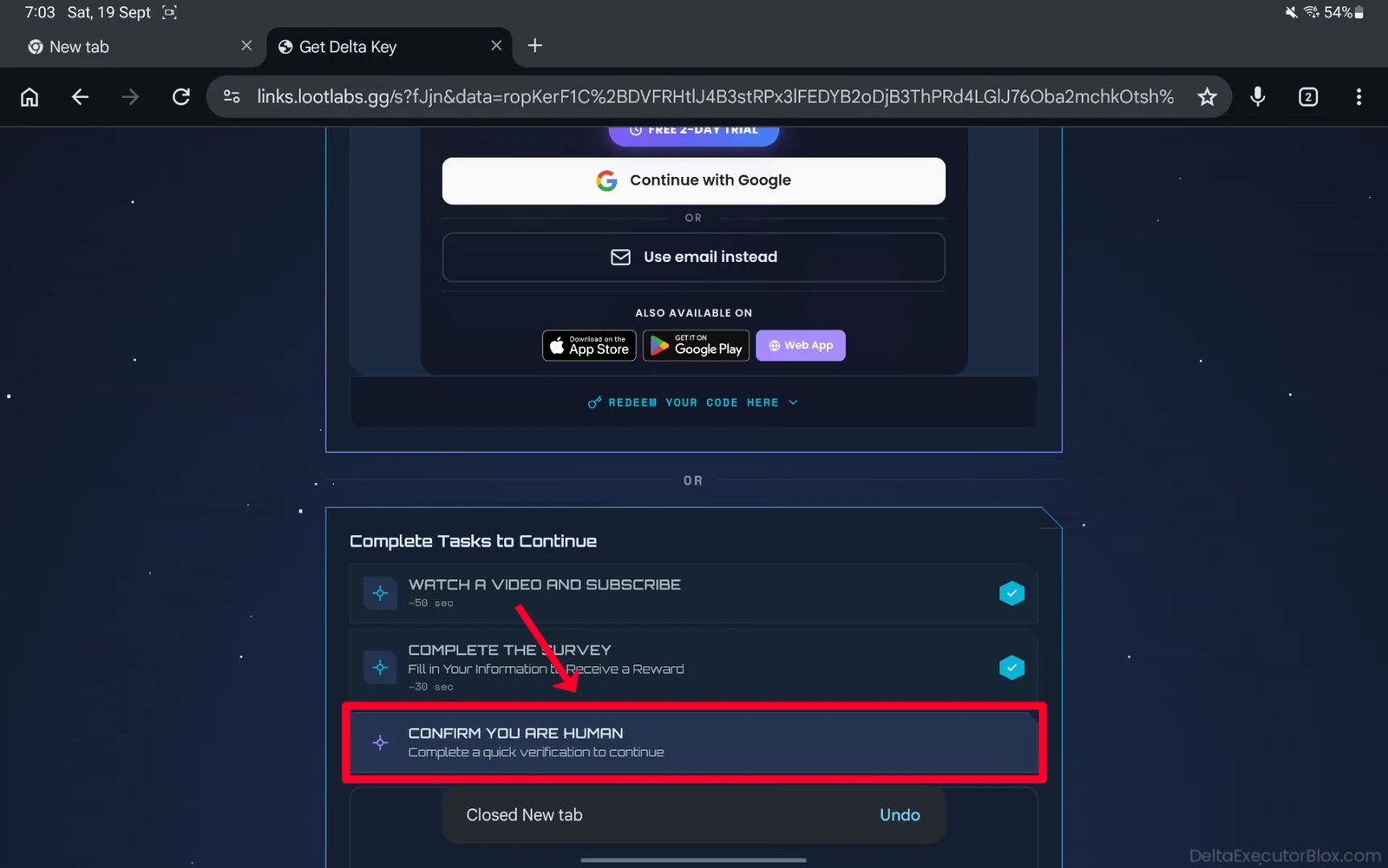
Step 28: Wait for the Cloudflare human verification to appear.

Step 29: Complete the Cloudflare human verification to confirm that you are not a bot.

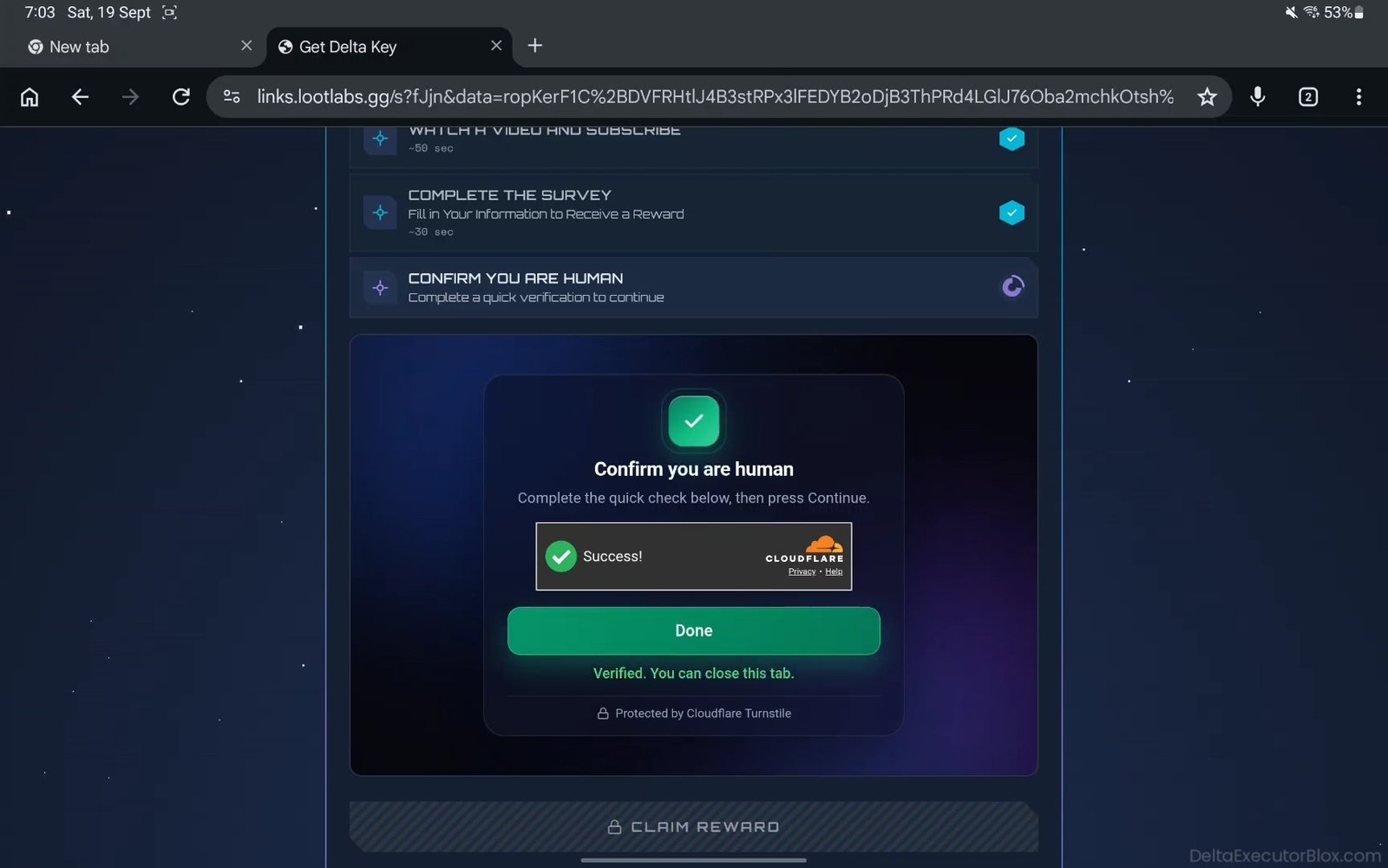
Step 30: After successful verification, tap “Continue” button.
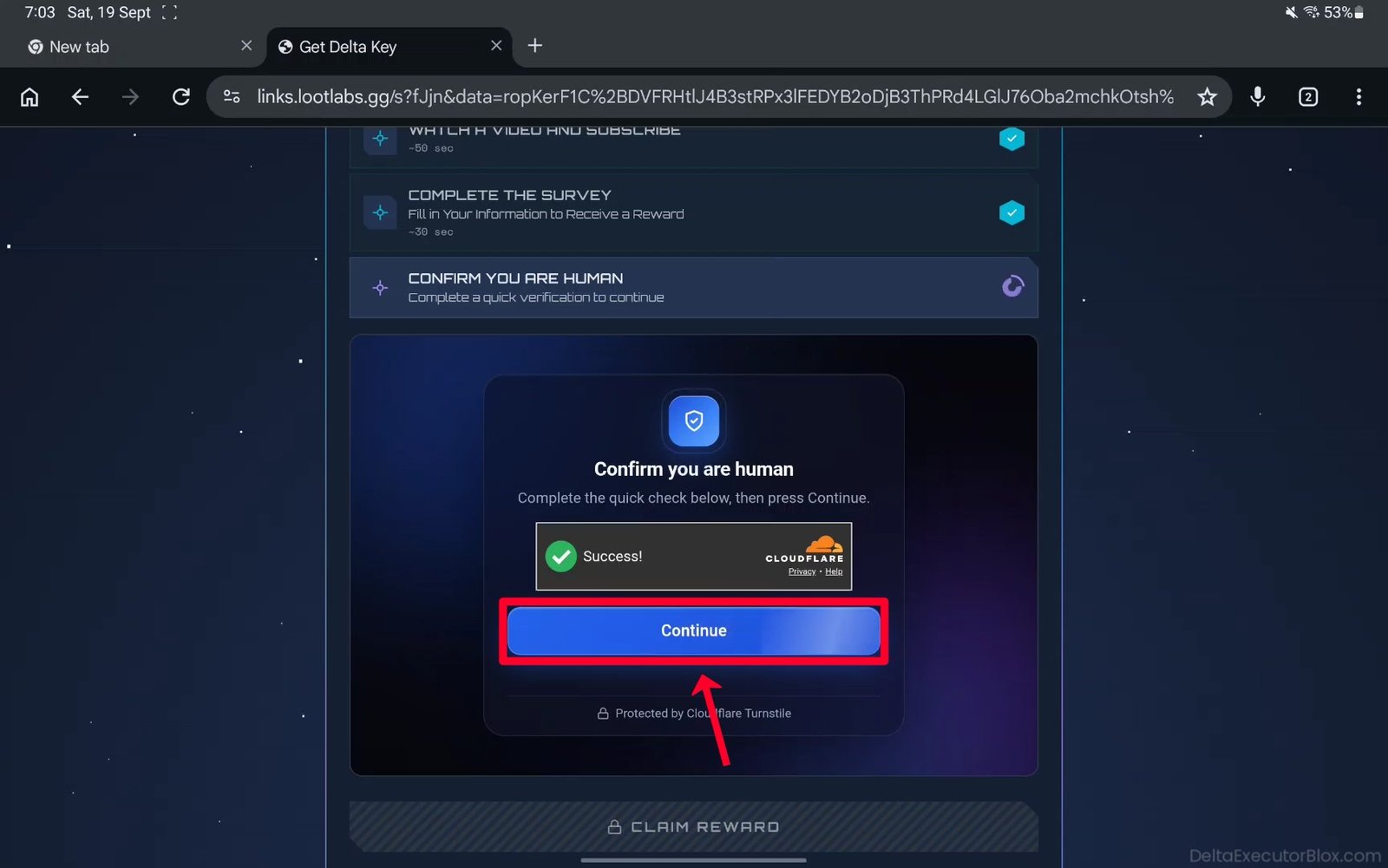
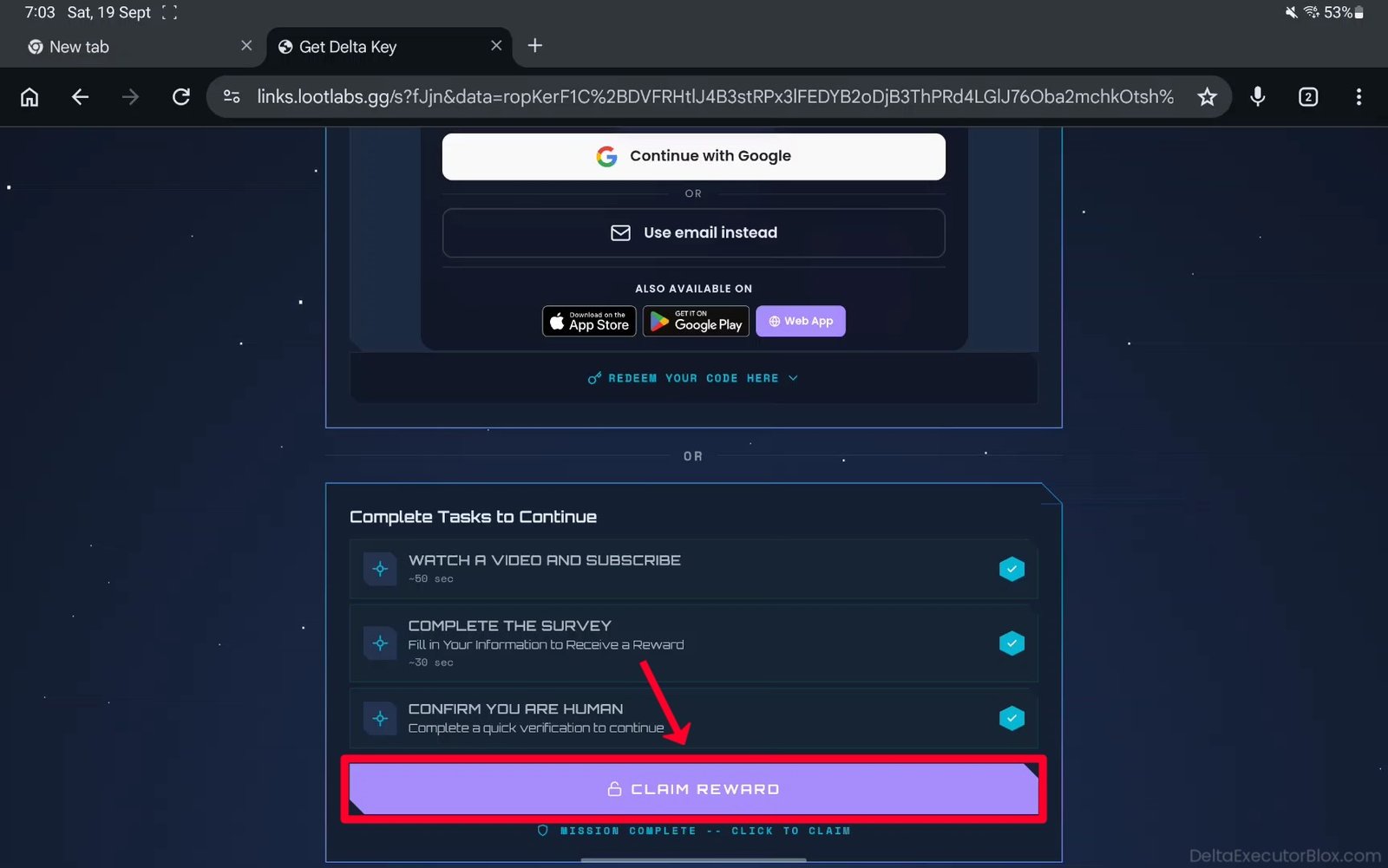
Step 31: Wait a few seconds until the blue checkmark appears.
Step 32: Finally, tap “CLAIM REWARD” button.
Step 33: You will be redirected to Create Your Key page. Wait about 5 seconds.
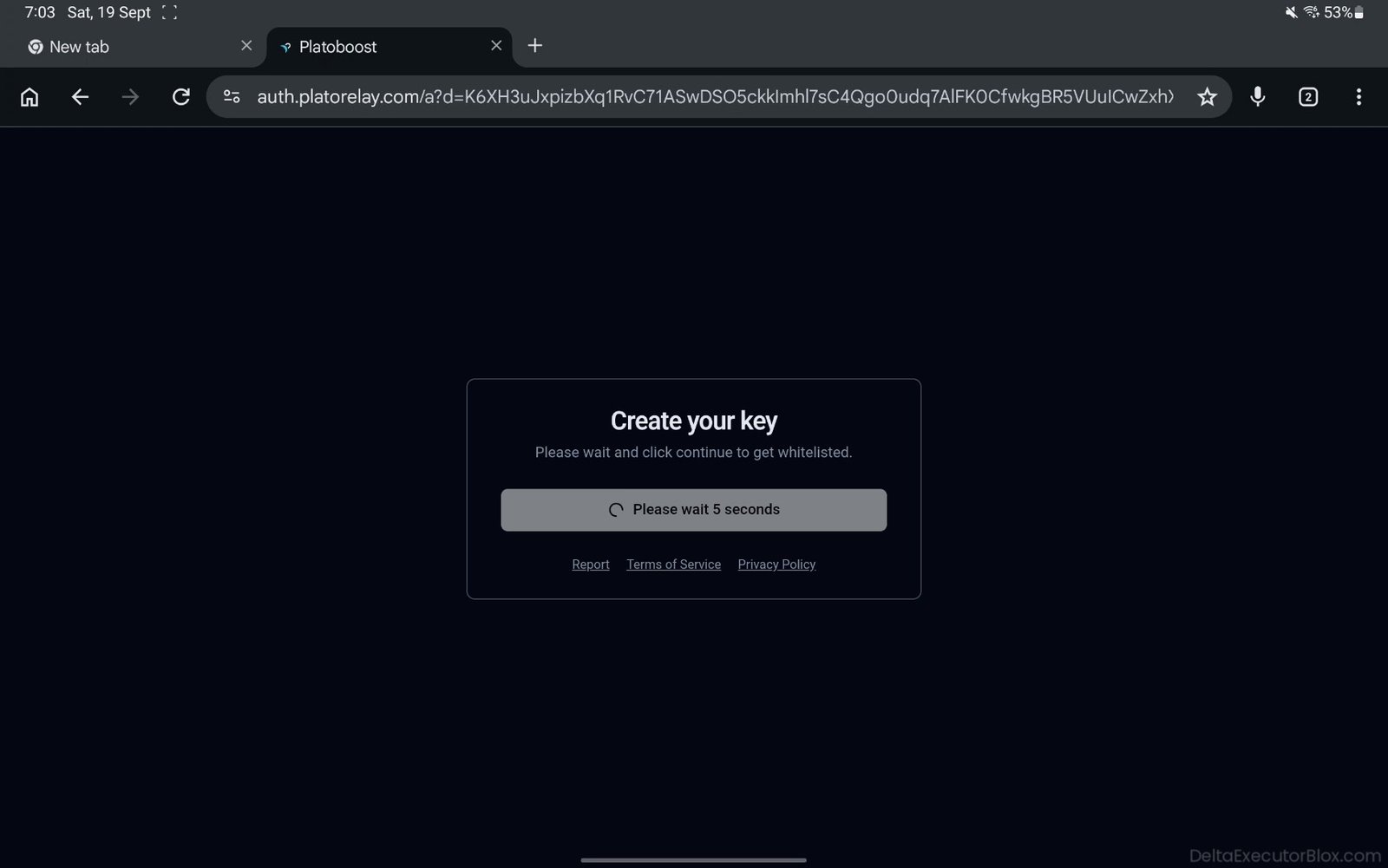
Step 34: Tap “Continue” button to create your Delta key.
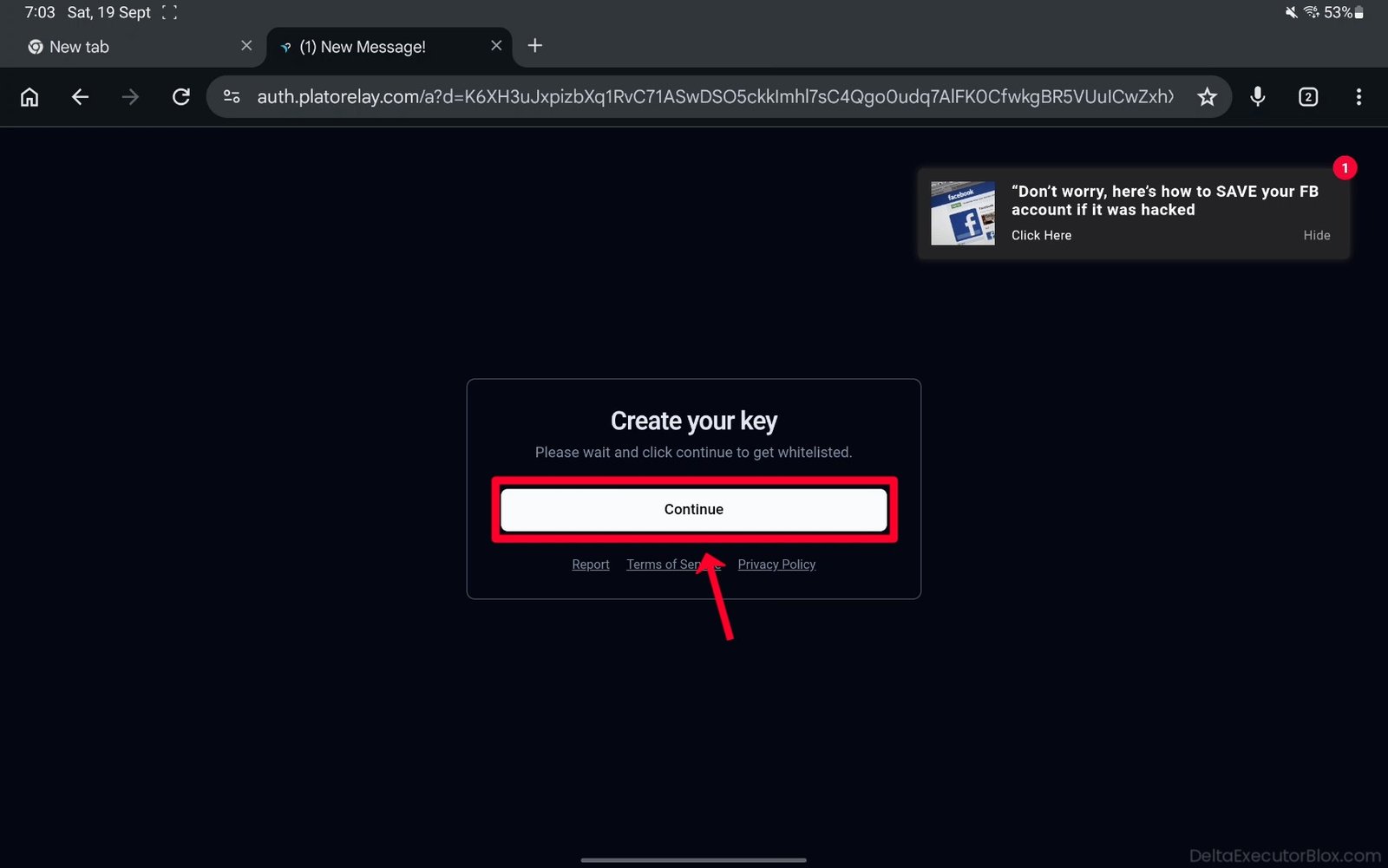
Step 35: Your Delta Executor key has now been successfully created and is valid for 24 hours.
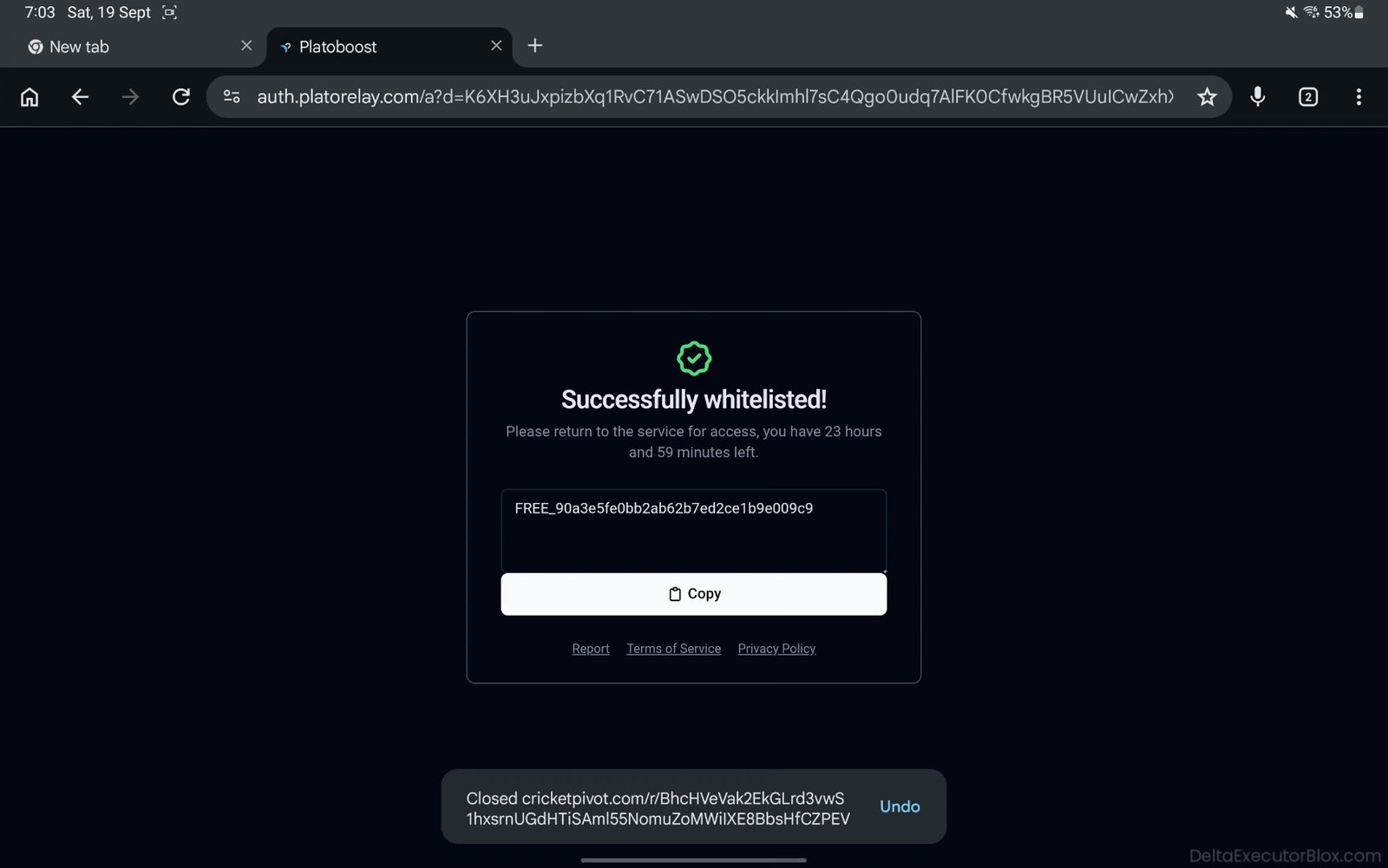
Step 36: Copy your Delta key by tapping “Copy” button.
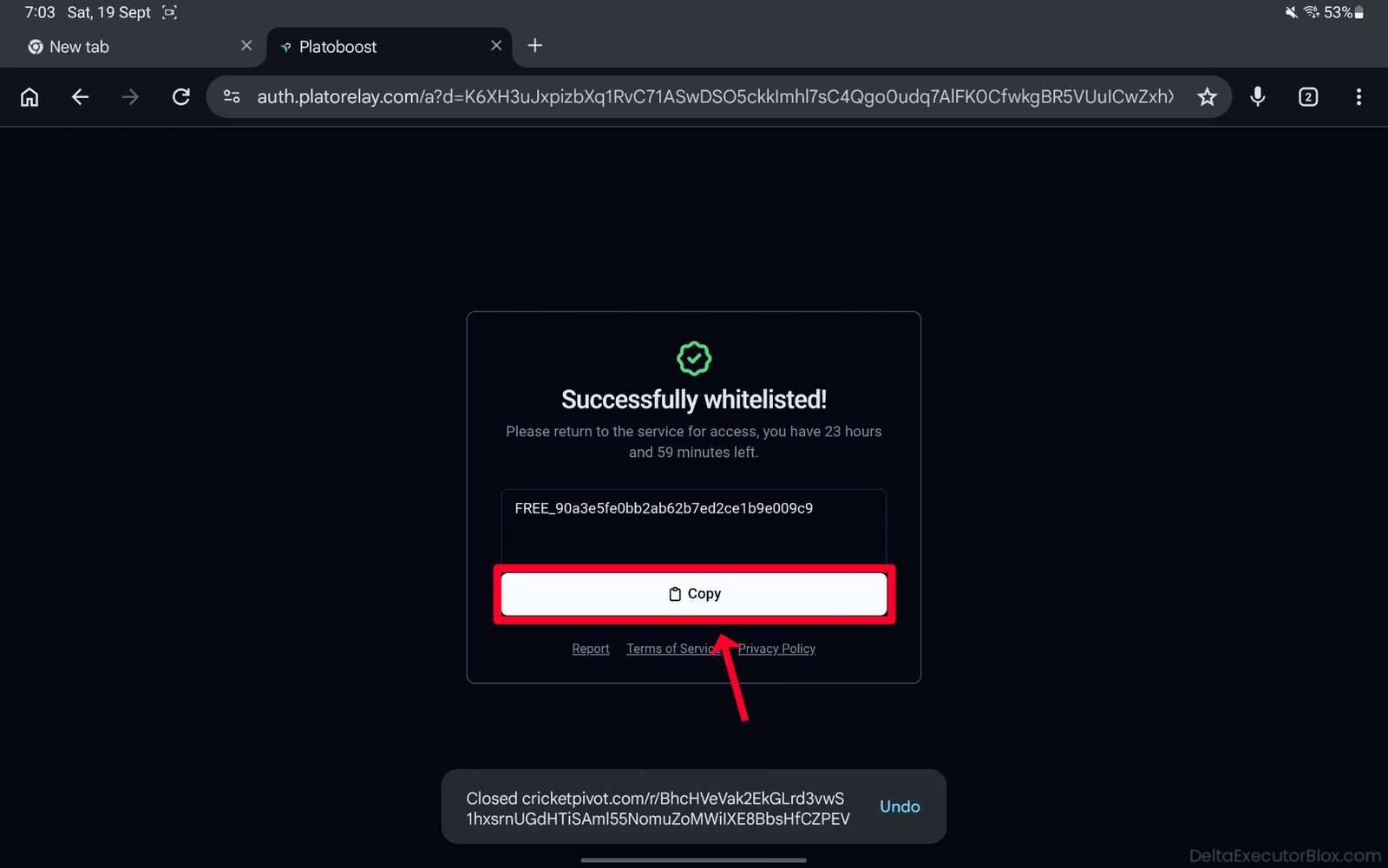
Step 37: Your Delta key is now copied to your clipboard.
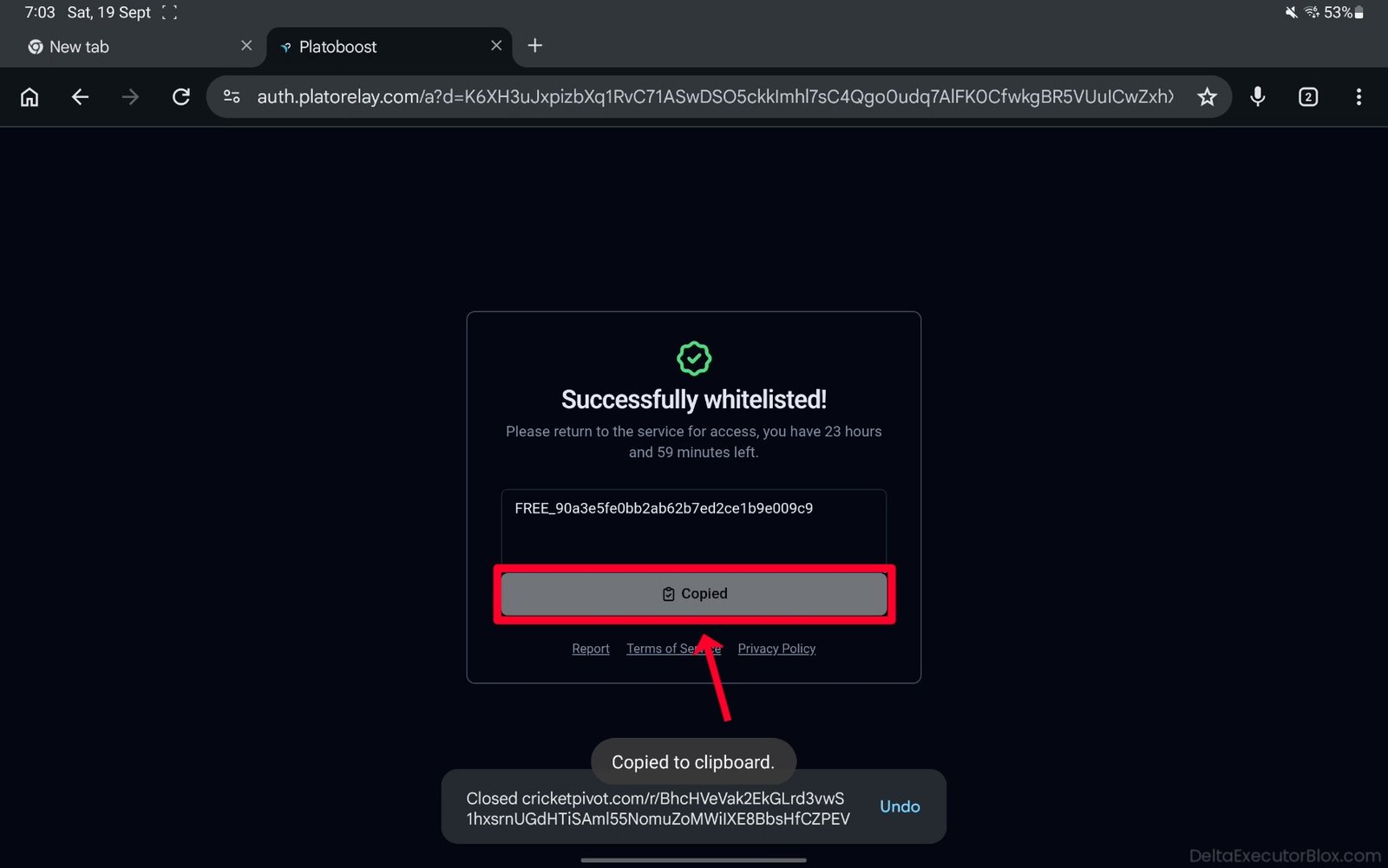
Step 38: Open your recent apps and select Delta Executor.
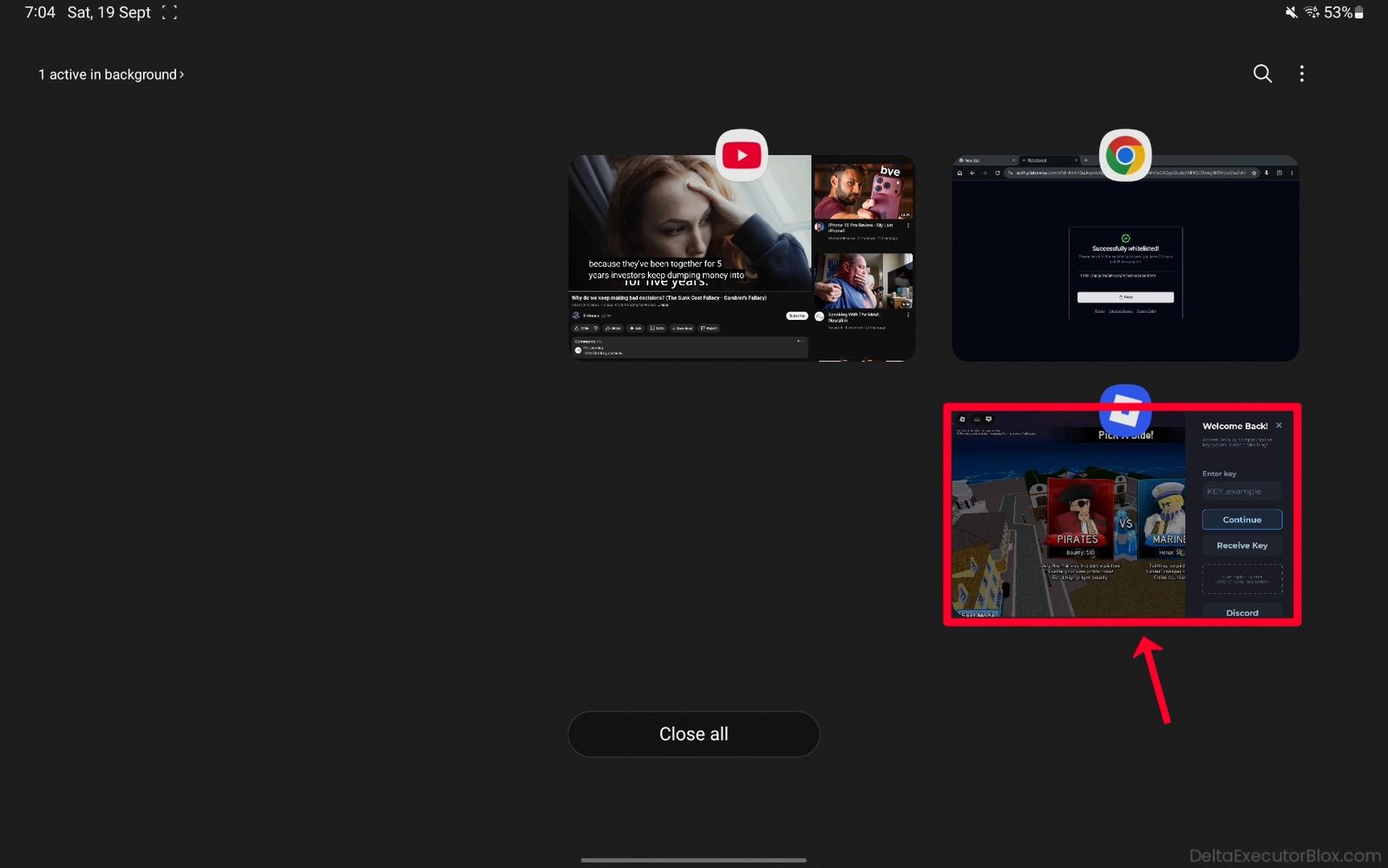
Step 39: Tap “Enter Key box”.
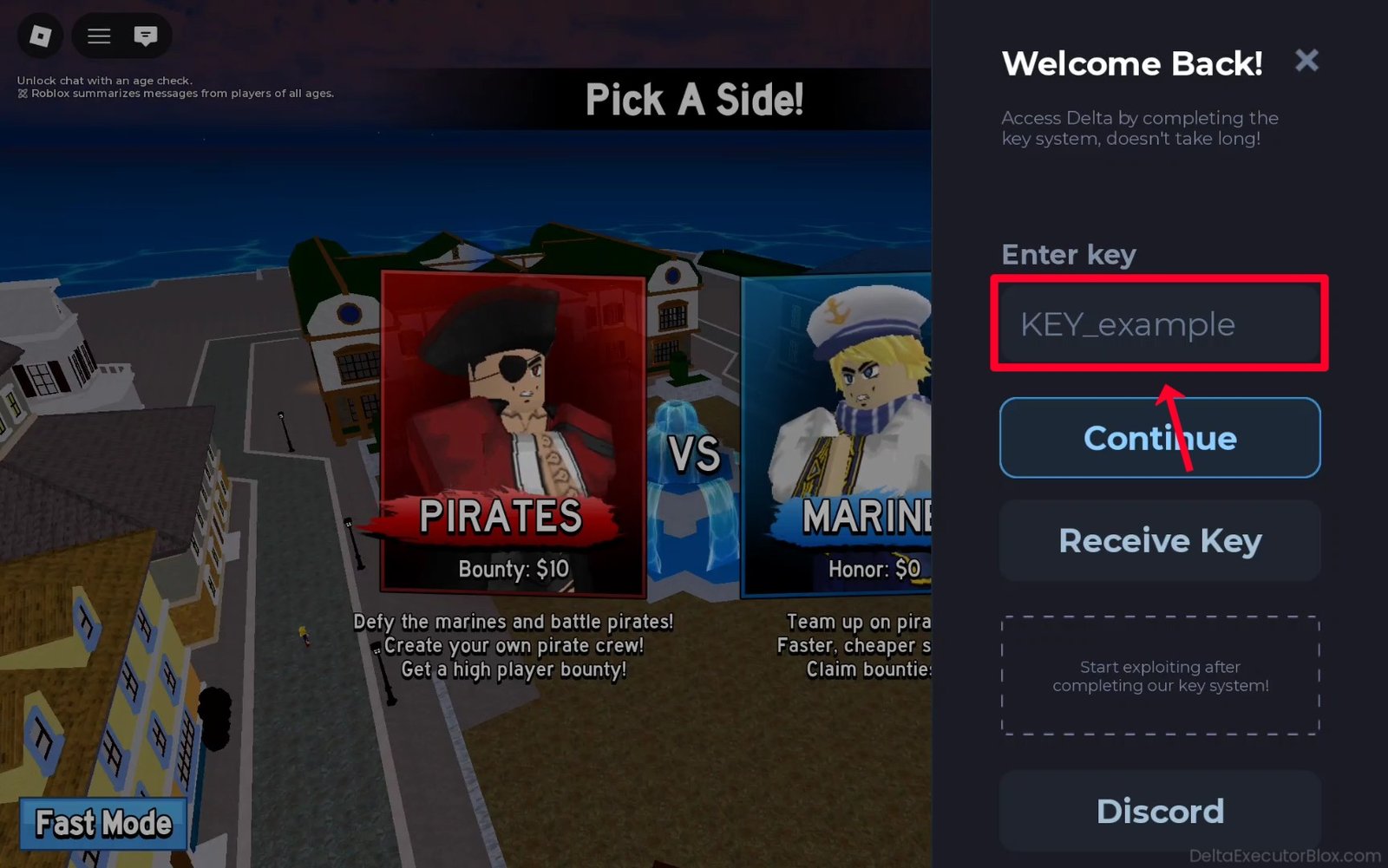
Step 40: Paste Delta key you copied earlier into the Enter Key box.

Step 41: Finally, tap “Continue” button after entering your Delta key.
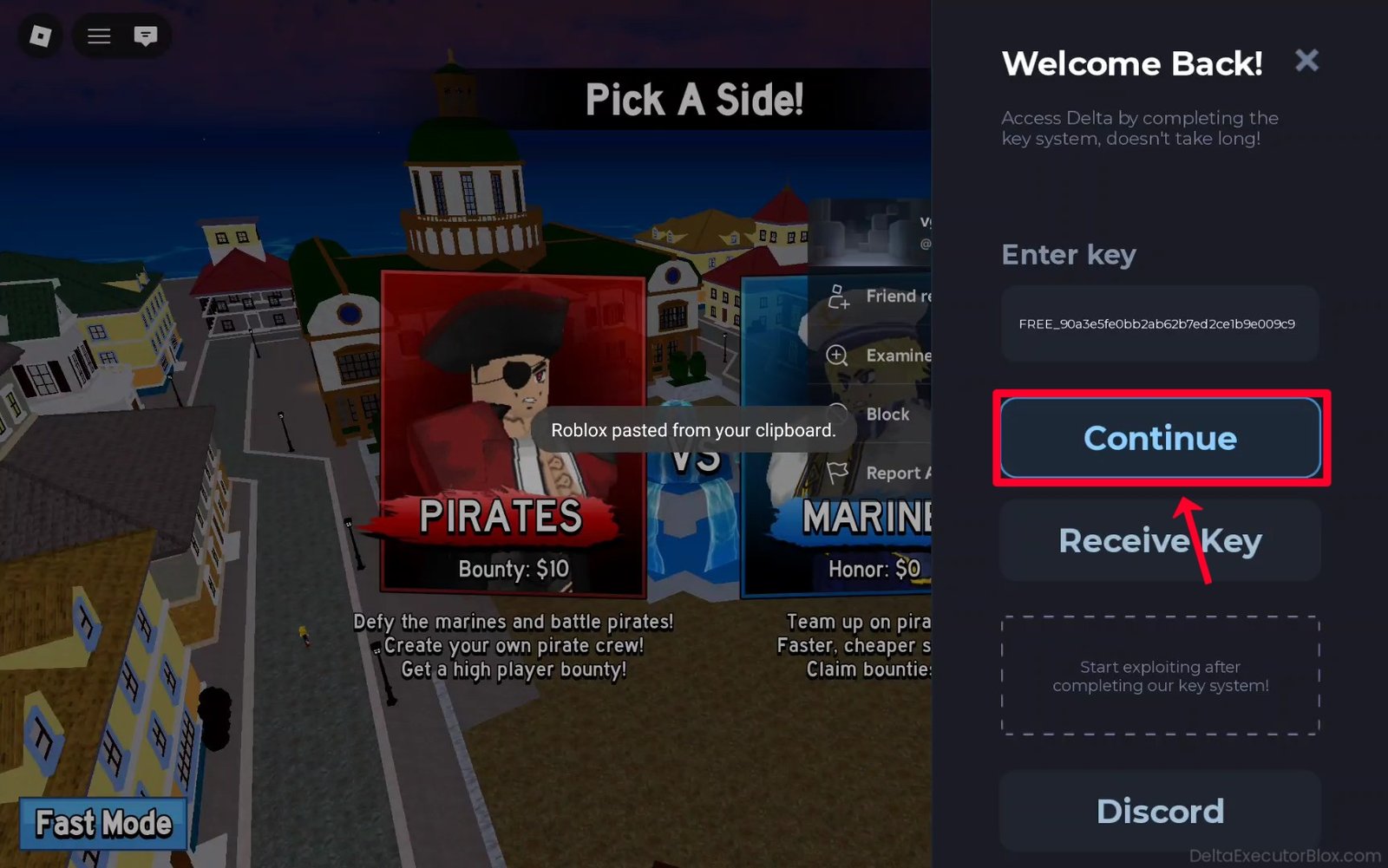
Step 42: Delta Executor is now successfully unlocked. The key should remain valid for 24 hours from the time it was created.

Frequently Asked Questions (FAQ’s):
Q1. How do I get my Delta Key?
Ans. Getting a Delta key is very easy. Simply tap “Receive Key” button in Delta Executor, and you will be redirected to the verification and task process. Complete the required tasks, and you can then generate your Delta Executor key.
Q2. Why is there a key system for Delta Executor?
Ans. Delta Key System is designed for human verification and monetization purposes. Developing, maintaining, and regularly updating the Delta app requires time and resources, so the key system can help support the developers and the continued development of Delta Executor.
Q3. How long does a Delta Key last?
Ans. After creating a Delta Executor key, 24-hour countdown starts from the time the key is generated. The key remains valid for 24 hours. Once it expires, you need to create a new Delta key, which will again be valid for 24 hours from the time it is generated.
Q4. What should I do if my key is not working?
Ans. Recheck the key and make sure you copied it from the official LootLabs (Loot-Link) Delta Key creation page. If you accidentally copied a key from a pop-up advertisement or another website, it may not work. If you are sure you have copied the correct Delta key, try restarting Delta Executor app and enter the key again.
Q5. Is Delta Executor free to use?
Ans. Delta Executor is free to use and allows Roblox users to run custom Lua scripts in supported Roblox games using the available Delta Executor tools.
Q6. Why do I have to go through so many steps on Loot Labs?
Ans. Yes, there are several steps in Delta key system. These steps are designed to verify that you are a real user rather than a bot and may help prevent automated abuse or bot activity. The key system can also help Delta developers generate revenue to support the continued development and maintenance of Delta app.
Q7. Is it safe to use Delta Executor on my Android device?
Ans. If you downloaded Delta Executor from a trusted and verified source such as DeltaExecutorBlox.com, follow the available installation and security guidance carefully. If you use Delta Executor to run custom Lua scripts in Roblox games, make sure you understand and follow the Roblox Community Standards and rules.
Q8. What are Loot Labs and Loot Link?
Ans. LootLabs is a monetization platform and link-shortening service. When you shorten a link through LootLabs, users may be directed to a Loot-Link task page before reaching the original URL destination.
Q9. What do I do if I cannot get past the Loot Link page?
Ans. If you use an ad blocker extension, plugin, or browser with built-in ad-blocking features, the Loot-Link page may not open properly or may crash. You may need to temporarily disable or pause the ad blocker on the Loot-Link page. After disabling it, refresh the page to continue accessing the website.
Q10. Which platforms are compatible with Delta Executor?
Ans. Delta Executor is compatible with several popular platforms, including Android, iOS, macOS, and Windows PC when using a supported Android emulator.
Final Words:
In this blog post, we explained how to obtain a Delta Executor key using simple, step-by-step instructions. We also showed you how to complete the required LootLabs tasks and generate your Delta key, with detailed screenshots and a video tutorial to make the process easier to follow.
While completing the tasks, you may see pop-up ads that open in a new tab or advertisements that appear on the screen. Close these ads by tapping “X” button and return to the main key-generation page. Do not get distracted by these advertisements, as they are not part of the required tasks for generating your Delta key.
Check out the tutorial above to learn how to get your Delta Executor key. We have also answered many common questions asked by Delta users. If you have any other questions or experience an error or issue with your Delta key, feel free to leave a comment below, and we’ll do our best to provide a helpful solution.